Two keyboard switches can share a 50 gf operating-force rating and still behave differently in the finished assembly. One may actuate earlier, another may exhibit different electrical contact behavior, and a third may not fit the PCB despite having a similar external housing.
These differences become expensive when they appear after tooling, PCB layout, or switch procurement has been finalized.
This Mechanical Keyboard Switches Explained guide examines the mechanisms, force characteristics, material choices, and compatibility requirements that matter when specifying switches for OEM keyboards.
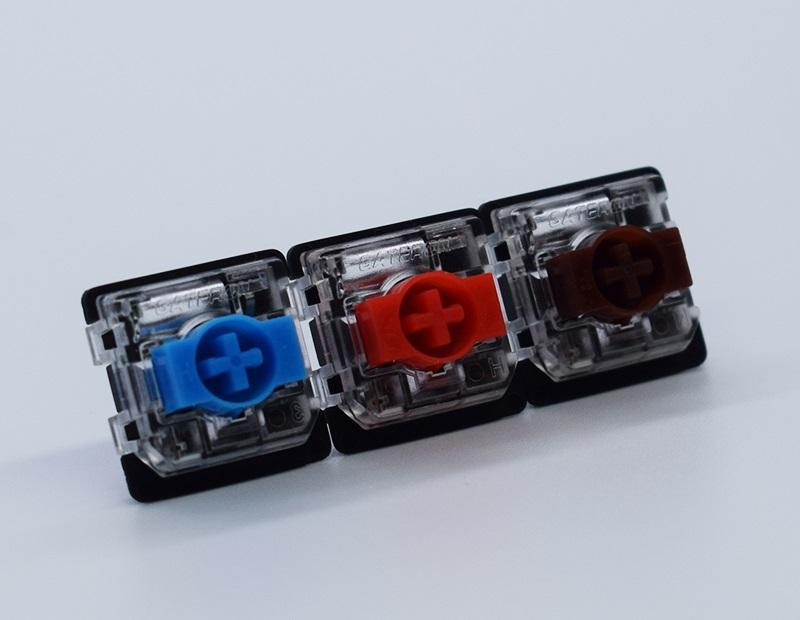
1. Determinants of Switch Actuation
In mechanical switches, a spring-loaded stem located in a molded housing controls the closure of an electrical contact by moving a metal contact leaf.
The controller detects that closure as a keypress. However, the contacts may briefly bounce between open and closed states, requiring debounce processing to prevent unintended repeated inputs.
Contact geometry, leaf elasticity, and stem dimensions therefore affect both actuation consistency and long-term electrical reliability.
Mechanical, Optical, and Magnetic Switches
Gateron makes traditional mechanical switches and KS-15 optical and Hall Effect magnetic switches. The three sensing methods result in different integration considerations.
|
Technology
|
Signal Generation
|
Main Engineering Consideration
|
|
Mechanical Contact
|
Metal contacts close
|
Contact resistance, bounce and wear
|
|
Optical
|
Infrared beam detection
|
Alignment and contamination
|
|
Hall Effect
|
Magnetic field measurement
|
Sensor calibration and magnetic compatibility
|
Optical switches eliminate mechanical electrical-contact closure, but the alignment of the optical components with respect to the moving element must still be considered.
The Hall Effect switch uses a magnet and a sensor to determine the stem position. The actuation and Rapid Trigger functions of magnetic switches are implemented at the firmware and circuit level.
Sensing technology changes require PCB-level verification. Traditional mechanical, optical and magnetic switches should not be considered interchangeable.
2. How Do Force Curves Affect Typing Performance?
Given how convenient switch color is as a product identifier, why look at force-displacement curves? They provide useful engineering data, and that information can be used for engineering trade-offs.
Keyboard switch design focuses on a few mechanical responses.
- Linear: Gradually increasing resistance. Works well for repeated inputs because the force response is predictable throughout the stroke.
- Tactile: Stem geometry results in a force peak and then a drop. The tactile event may or may not correspond with the electrical event.
- Clicky: In addition to a tactile event and an audible click, an electrical event must be considered as well.
For all three responses, operating force describes only a single point on the curve.
Pre-travel determines actuation, while total travel defines the full key travel. Spring constant, friction, and bottom-out impact what is actually felt by the user.
Comparing Gateron Switch Specifications
|
Switch
|
Operating Force
|
Pre-travel
|
Total Travel
|
|
Gateron Smoothie Linear
|
40 ± 10 gf
|
2.0 ± 0.6 mm
|
3.6 ± 0.2 mm
|
|
Gateron Milky Yellow Pro
|
50 ± 15 gf
|
2.0 ± 0.6 mm
|
4.0 mm
|
|
Gateron KS-33 Low Profile 2.0 Red
|
50 ± 15 gf
|
1.7 ± 0.4 mm
|
3.2 mm max
|
The Milky Yellow Pro and KS-33 Red share a nominal operating force, but their travel geometry differs.
For a thin keyboard, the KS-33 architecture reduces available vertical movement. That affects bottom-out feel and mechanical packaging, not necessarily total system input latency.
For production qualification, measure the complete force curve, including press and release behavior. Operating-force tolerance alone cannot establish consistency across switches.
3. What Affects Reliability: Housing Materials and Lubrication?
Stems slide against housing guides, and the consistency of this movement depends on the housing material, the mold, and the lubrication.
The materials used for the housing and stems vary between Gateron switch models.
- POM: Stems made from POM generally offer low friction, but can still be affected by the dimensional control and surface finish of the mating part, which can cause stick-slip.
- Nylon: Nylon is more viscoelastic and has better impact absorption than POM, but can be affected by moisture absorption, which can change the dimensions of the part.
- PC: PC is clearer and has a lower modulus than nylon.
Improvements to Quieter Switches
Clearances that are too small can lead to binding, while clearances that are too large can lead to too much lateral play, i.e. switch wobble.
Lubrication of the stem reduces friction and can drastically reduce actuation force, but if the lubricant migrates to the contact points this can cause unreliable contact.
Damping elements absorb impact noise when a mechanical switch bottoms out or tops out. This affects the perceived switch travel and the force curve of the switch.
The final product must be acoustically qualified, not the separate switches, because the sound of the final product cannot be predicted from testing of individual switches.
4. Why Does PCB Compatibility Cause Procurement Errors?
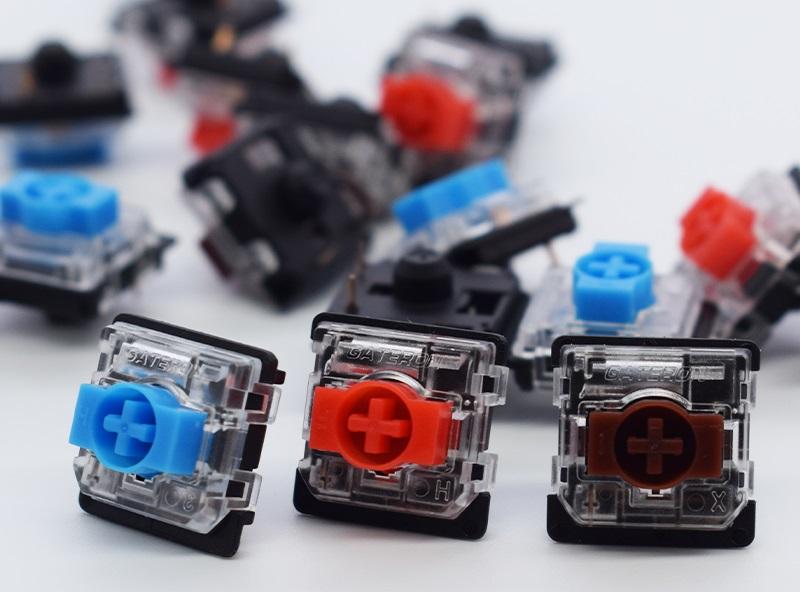
A switch may pass a mechanical test and still not work when assembled in a keyboard.
Aside from visible pin count, the main interfaces are:
- Terminal layout: Electrical pin positions and dimensions should match the PCB footprint and socket.
- Locating pins: A five-pin housing requires PCB holes for its additional locating pins, while a three-pin layout uses a different locating configuration.
- Plate fit: Retention features must match the plate's thickness and cutout dimensions.
- Clearances: Switches and keycaps should fit into the case.
- LEDs: The housingmust support lighting components.
Low profile switches must be checked more carefully.
Gateron's KS-33 Low Profile 2.0 and 3.0 families have different travel specifications and mounting configurations.
A higher generation number doesn't mean a drop-in replacement.
Check the final switch design and drawing. Make sure the keycap and plate interface has sufficient clearance. Check the PCB footprint and ensure that the switch drawing matches your design.
5. What Should OEM Buyers Test Before Volume Production?
Switch qualification should determine failure modes and mechanisms, not just verify sensor sensitivity and firmware thresholds.
Measure Actuation and Release Positions
- Measure the force-displacement curves and return characteristics of the switches.
- Inspect terminal deformation, housing fit and stem alignment.
- Evaluate contact bounce and debounce with the integration controller.
- For Hall Effect switches,evaluate calibration and test sensorsensitivity and firmware thresholds.
Reliability and Assembly Validation
Evaluate the cycle variability of key mechanisms.
Testing should account for environmental stress and long-term exposure. For electrical contacts, environmental stress and long-term exposure may cause contact contamination or changes to lubricants and polymers.
At the keyboard level, evaluate acoustics, socket retention, and the alignment of lighting. Evaluate switch behavior in key positions.
Switch behavior in various positions is better validated with production samples than inferred from cycle-life claims published by suppliers.
Selecting Gateron Switches for OEM Development
Gateron provides mechanical, optical, magnetic and low-profile switch families, offering a variety of force curves and profiles, materials and mounts.
For an engineering evaluation, provide Gateron with the targeted force curve, PCB design, mounting layout, acoustic requirements, and qualification specifications.
Look over Gateron's switch line card to identify sample switches for prototype testing.
FAQs
Q1. What types of mechanical keyboard switches does Gateron offer?
Gateron offers linear, tactile, and clicky mechanical switches, along with optical, Hall Effect magnetic, silent, and low-profile switch families.
Q2. What is the difference between Gateron linear and tactile switches?
Linear switches provide relatively smooth travel without a deliberate tactile bump. Tactile switches use stem geometry to create noticeable resistance changes during actuation.
Q3. How does actuation force affect Gateron switch performance?
Actuation force determines the resistance at the switching point. Lower force can reduce finger effort, while higher actuation force may help limit accidental keypresses.
Q4. What is the difference between pre-travel and total travel?
Pre-travel is the distance before actuation. Total travel is the full movement to bottom-out. Both affect keypress behavior and should be evaluated together.
Q5. Are Gateron mechanical, optical, and magnetic switches interchangeable?
No. Each sensing technology requires compatible PCB hardware. Gateron Hall Effect switches also depend on suitable magnetic sensors and firmware.


