A keyboard may use compatible MX-style switches and still produce an unsatisfactory typing experience. Light springs can make resting fingers trigger unwanted characters. A pronounced tactile bump may feel reassuring during brief testing but become uncomfortable for some users during extended typing. Even the correct switch can fail during installation if its locating pins do not match the PCB.
For beginners choosing the best switches for typing, the practical starting point is not switch color or popularity. It is the relationship between actuation force, tactile response, travel geometry, mounting compatibility, and the assembled keyboard.
At GATERON, we recommend narrowing these variables before comparing individual products. A switch that feels smooth in a handheld tester may behave differently beneath a keycap mounted in a finished keyboard.

1. What Is the Difference Between Linear, Tactile, and Clicky Switches?
The mechanical difference is in how the resistance builds up as the stem interacts with the spring and contact mechanism.
Linear switches build up resistance in a relatively continuous fashion, resulting in a smooth keystroke without a deliberate tactile bump. Examples of switches using this structure are Gateron G Pro 3.0 Red and Yellow. This structure is favored by users who prefer an uninterrupted travel distance, but there is still a risk of unintended actuation if the resistance of the springs is too low for their desired typing experience.
Tactile switches, on the other hand, build up resistance via the interaction of stem geometry and the contact leaf. After the resistance bump is surpassed, the resisting force changes dramatically. For example, GATERON Brown and Jupiter Banana switches offer different tactile feedback profiles.
G Pro 3.0 Blue is a clicky switch with a dedicated clicking mechanism. This design choice is deliberate. Clicky switches are appealing to some users, but can be irritating to users in a shared workspace.
There are two distinctions that are relevant when comparing these mechanisms:
- A tactile bump is a mechanical change in resistance during the keystroke and does not necessarily coincide with electrical actuation.
- A non-clicky switch is not automatically a silent switch. Vibrations of the springs and caseand impacts of the stemscan all create sound.
For a shared workspace, linear and non-clicky tactile switches are good choices. If noise is of the highest concern, purpose-built silent switches should be evaluated.
2. Operating Force and Travel: Which Specifications Actually Matter?
Operating force is the resistance at the point of actuation, and does not define the entire force-displacement curve.
Pre-travel is the distance the stem moves prior to actuation. Total travel encompasses all movement of the stem.
Consider two switches with identical operating forces but different spring rates. They may actuate under similar loads yet feel different near bottom-out because the force continues to increase as the spring compresses.
Gateron Switch Specifications for First-Time Buyers
|
Switch model
|
Type
|
Operating force
|
Pre-travel / Total travel
|
Practical consideration
|
|
G Pro 3.0 Red
|
Linear
|
45 ± 15 gf
|
2.0 ± 0.6 / 4.0 mm max
|
Lighter initial comparison
|
|
G Pro 3.0 Yellow
|
Linear
|
50 ± 15 gf
|
2.0 ± 0.6 / 4.0 mm max
|
Moderate linear resistance
|
|
G Pro 3.0 Brown
|
Tactile
|
55 ± 15 gf
|
2.0 ± 0.6 / 4.0 mm max
|
Non-clicky tactile feedback
|
|
KS-3X1 Milky Yellow Pro (linear version)
|
Linear
|
50 ± 15 gf
|
2.0 ± 0.6 / 4.0 mm
|
Nylon-housing alternative
|
|
Jupiter Banana
|
Tactile
|
59 ± 10 gf
|
2.0 ± 0.6 / 3.4 mm max
|
Stronger tactile bump, shorter stroke
|
Travel values are in millimeters. Specifications refer to the identified versions; confirm current product revisions before ordering.
G Pro 3.0 Yellow and the linear Milky Yellow Pro share nominal operating force and travel specifications, but this does not mean they will feel identical. Their housing constructions differ, and spring behavior and lubrication can influence movement.
Likewise, Jupiter Banana's shorter total travel should not be interpreted as inherently faster typing. For users who regularly bottom out, the reduced remaining stroke may produce a firmer-feeling stop.
Published force tolerances also require attention. A nominal 50 gf rating with a ±15 gf tolerance is not evidence that every individual switch operates at exactly 50 gf.
3. How Housing Materials and Lubrication Affect Performance
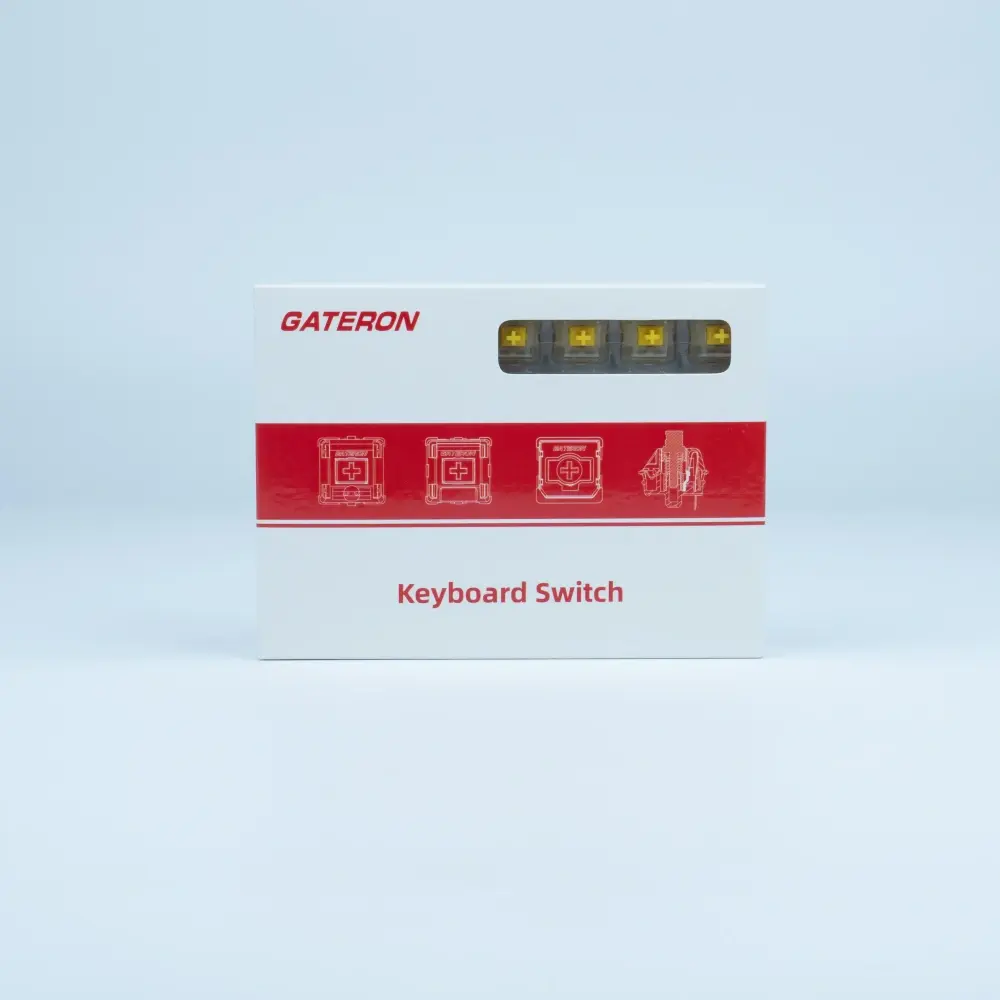
Gateron's G Pro 3.0 switches have a POM stem with polycarbonate upper and nylon lower housings. Gateron KS-3X1 Milky Yellow Pro switches have a POM stem with milky nylon upper and lower housings.
Different materials have different effects on switch performance:
- POM stems: The sliding friction is very much dependent on the surface finish of the materials and also on the geometry of the guides and the distribution of lubricant.
- Housings: The stiffness of polycarbonate and nylon can affect housing vibration, impact response, and sound transmission.
- Lubrication: Lubrication can reduce sliding friction and spring noise.
Both G Pro 3.0 switches and the Milky Yellow Pro switches are factory lubricated.
While rating switches, be sure to compare switches in identical conditions. For example, differences attributed to switch materials may actually come from the keyboard assembly. Subjective assessments of stem friction such as thocky, creamy, and squishy are do not provide objective measurements of stem friction. Concentrate on the consistency of lubrication and whether friction is abnormally high.
4. PCB Compatibility Checks
Most MX switches use two electrical terminals and a central plastic post. Five-pin versions add two plastic locating legs for additional alignment.
The G Pro 3.0 offers both three-pin and five-pin variations, while GATERON Jupiter and KS-3X1 Milky Yellow Pro switches use five-pin configuration.
Consider the following prior to placing an order:
- Hole Pattern: Designs with 5-pin switches must have locating holes.
- Hot Swap: The electrical terminals and sockets must be compatible.
- Plate fit: Switch housings must fit securely in the plate, with proper alignment to the PCB.
- LED Clearence: Check the clearance between the LEDs and switch housings.
- Keycap Interface: Check stem clearance.
Low-profile, optical and Hall Effect switches require specific compatibility checks. Switches with similar-looking stems or housings may not be interchangeable.
Product naming is also important. For example, GATERON KS-3X1 Milky Pro Yellow (Heavy Tactile) differs from the linear Milky Yellow Pro. This is different from Milky Yellow Pro's traditional linear version. Buyers need to provide the entire model and revision, and not rely on color.
5. How To Verify Switch Performance Before Bulk Purchasing
A switch tester can help identify initial preferences, but cannot assess if switches are ready for production.
We suggest qualifying shortlisted switches by testing them in the intended keyboard assembly.
Mechanical Assessment
- Compare force-displacement curves.
- Check for binding and excessive lateral play.
- Check for spring noise and abnormal bottom-out feel or binding.
Electrical Assessment
- Use electrical test equipment to assess whether switches actuate and reset correctly.
- Investigate intermittent contact bounce and missed or inconsistent registration separately from firmware debounce behavior.
- Take several measurements to missed or inconsistent registration separately from firmware debounce behavior.
Product Assessment
- Evaluate typing comfort over extended use in relation to switch force.
- Record user feedback on typing comfort and any discomfort associated with the switches.
- Compare acoustic performance when key presses are made under thesame conditions and constraints.
Sample products from large orders to confirm the samples meet the sampling plans and acceptance criteria. Verify the availability of the packing list, quantity, and revision of the product. Public specifications by themselves do not confirm that production lots are ready for production.
6. Which Gateron Switch Should Beginners Buy?
For an initial comparison, G Pro 3.0 Red, Yellow, and Brown provide three useful reference points: lighter linear resistance, moderately weighted linear resistance, and tactile feedback.
Buyers wanting a nylon-housing linear alternative can evaluate the linear Milky Yellow Pro. Those preferring a stronger tactile event can add Jupiter Banana to the sample set.
There is no universal best switch for typing accuracy or comfort. A defensible purchase decision comes from matching force response and mechanical compatibility to the intended users, then confirming the result through assembled-keyboard testing.
At GATERON, buyers can review mechanical switch specifications and available sample options before selecting switches for keyboard development or volume procurement.
FAQs
Q1. Which Gateron switches are best for typing beginners?
Gateron G Pro 3.0 Yellow is a practical starting point for linear switches, while G Pro 3.0 Brown suits users who prefer tactile feedback. Both should be tested before bulk purchasing.
Q2. What is the difference between Gateron Red and Yellow switches?
Both are linear switches. G Pro 3.0 Red has a 45 ± 15 gf operating force, while Yellow has 50 ± 15 gf. Yellow offers slightly higher nominal resistance.
Q3. Are Gateron Brown switches good for office typing?
Yes. G Pro 3.0 Brown provides tactile feedback without a dedicated click mechanism. However, bottom-out noise remains audible, so it is not a silent switch.
Q4. Is Gateron Jupiter Banana better than G Pro 3.0 Brown for typing?
Jupiter Banana and G Pro 3.0 Brown offer different tactile feedback profiles. Their relative feel should be evaluated through direct comparison.
Q5. Which Gateron switches are suitable for quiet offices?
Gateron's dedicated silent switches, including KS-9 Silent models, are better candidates for noise-sensitive environments than conventional clicky switches. Keyboard construction also affects sound.


