A keyboard manufacturer replacing conventional silent switches with Hall Effect (HE) models faces more than a component substitution. The existing PCB may lack Hall sensors, firmware must interpret magnetic-field changes, and a switch that feels quiet in isolation can still produce audible vibration once mounted in a keyboard.
For buyers planning to buy Silent Switches for gaming applications, the decision comes down to three requirements: adjustable input behavior, controlled mechanical noise, and reliable integration with the keyboard electronics.
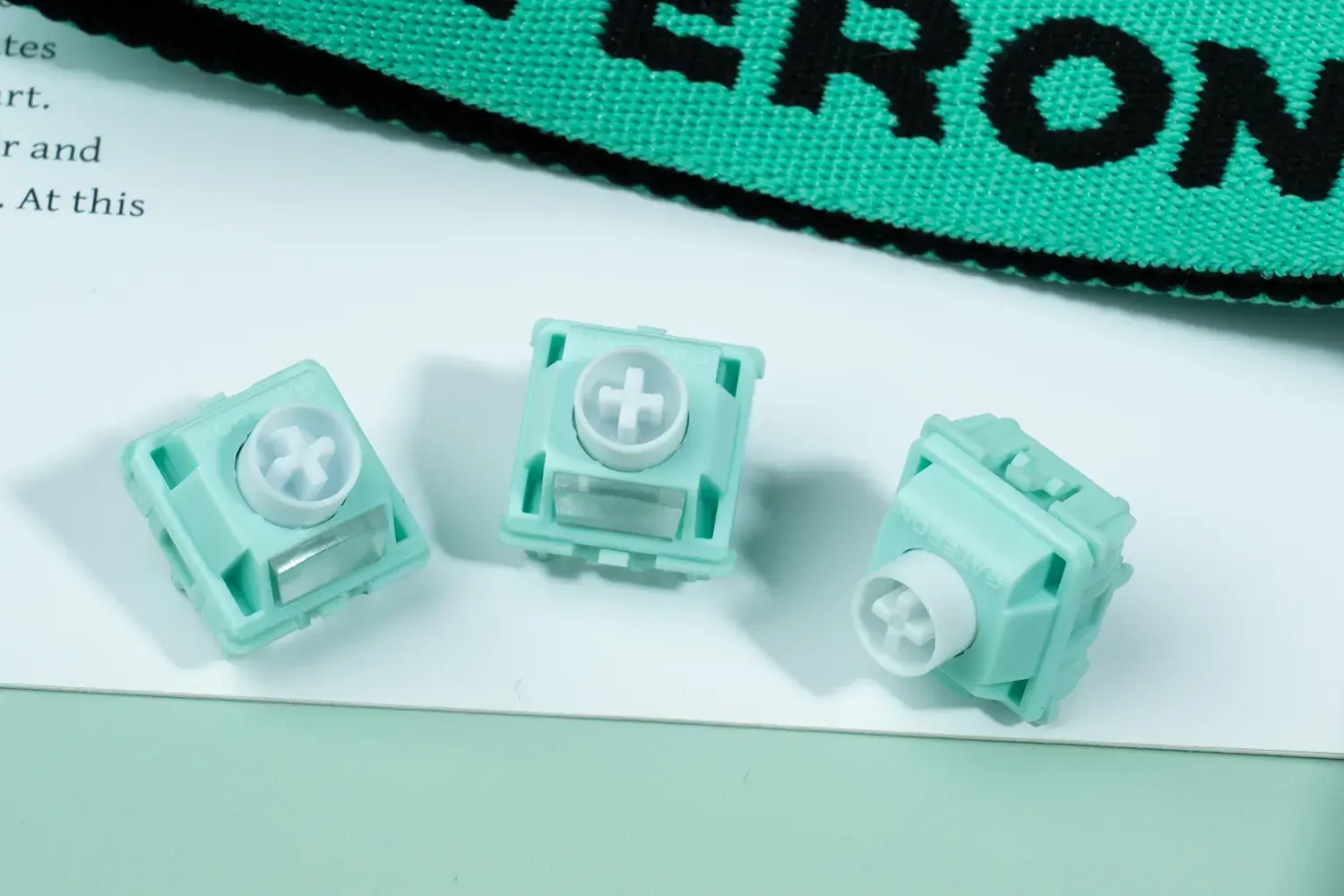
GATERON offers both contact-based and magnetic silent switches. The magnetic option is most compelling when the keyboard needs programmable actuation and Rapid Trigger—not merely quieter keypresses.
Do Magnetic Switches Actually Improve Gaming Response?
In a traditional mechanical switch, a keypress is detected when its metal contacts touch. Its actuation and reset positions are dictated mainly by its internal geometry.
An HE switch uses a moving magnet and a sensor on the PCB. As the stem travels, magnetic flux density changes, allowing compatible firmware to estimate key position.
This supports two functions that conventional contact switches cannot provide in the same way:
- Adjustable actuation: The trigger position can be configured through compatible keyboard firmware and software. Shallow settings reduce the movement required to register a press but increase susceptibility to accidental inputs.
- Rapid Trigger: The controller can reset a key as the stem moves upward and reactivate it during the next downward movement, without waiting for a fixed mechanical reset position.
In FPS games this can affect how quickly repeated directional inputs are registered. However, a shorter actuation distance does not necessarily result in lower end-to-end latency.
Hall sensor sampling, firmware filtering, scan scheduling, and USB reporting still determine when the input reaches the computer. Aggressive sensitivity settings can also produce unintended repeated inputs when finger movement or sensor noise crosses the configured threshold.
OEM buyers should test the complete sensing chain rather than comparing switches solely by their minimum configurable actuation distance.
How Does GATERON Reduce Noise in Magnetic Switches?
Hall effect sensors eliminate the need for contact closure, but they still rely on physical impact.
Only two impacts are of interest: stem bottom-out and stem top-out. Different impacts are possible depending on the design of the keyboard and its construction. These impacts can be transmitted to the plate, PCB and enclosure.
Dual-Ring Damping in Magnetic Jade Silent
Magnetic Jade Silent by GATERON uses Dual-Ring Damping on both sides of the stem to suppress bottom-out and rebound noise.
It consists of the following mechanical elements:
- Dual Ring Damping: Absorbs shock energy by means of radial damping using two rings.
- Irregular Ring Geometry: Minimizes lateral deformation of the damping elements to reduce play.
- Stem and Top Housing of POM: A low friction polymer is used to reduce the coefficient of friction and improve sliding.
- Factory Lubrication: Further reduces friction.
There are different types of excitation and noise; however, lubrication can reduce scraping noises. Compliant damping can reduce impact noise; however, it cannot eliminate vibration noise that is transferred to the keyboard fram.
Additionally, there is a tactile penalty to consider. A greater degree of damping compliance leads to a softer bottom-out, but more deformation can compromise return consistency.
Thus, the correct acoustic design may not necessarily be the softest one. For gaming, the stem must be able to return predictably for repeated partial presses.
Which GATERON Silent Switch Fits the Keyboard Design?
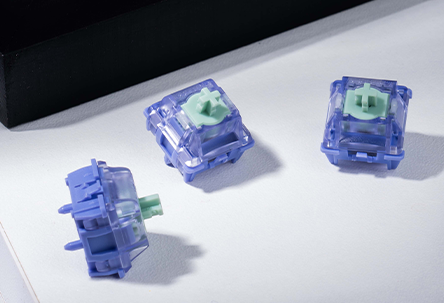
GATERON's silent switch range includes conventional mechanical and HE alternatives with different force profiles and travel characteristics.
|
Switch
|
Sensing / Feel
|
Specifications
|
Design Consideration
|
|
KS-9 Silent 3.0 Pink
|
Mechanical / Linear
|
45±15 gf operating force; 3.8 mm total travel
|
Conventional mechanical platforms without HE electronics
|
|
Magnetic Jade Silent
|
Hall Effect / Linear
|
33±5 gf initial force; 3.2±0.2 mm travel
|
Shorter physical travel, programmable actuation, dual-ring damping
|
|
Magnetic Genty Silent
|
Hall Effect / Linear
|
35±5 gf initial force; 3.7±0.2 mm travel
|
Dual-rail stem guidance, shoulder mute pads, factory lubrication
|
The KS-9 Silent 3.0 also has a Purple tactile version for applications requiring a discernible tactile event.
For HE designs, physical travel and programmed actuation are separate variables. The Magnetic Jade Silent's 3.2 mm nominal total travel describes the mechanical stroke, not a fixed electrical triggering distance.
Does Contactless Sensing Eliminate Wear?
Magnetic sensing avoids electrical contact wear associated with conventional switch actuation. Mechanical components remain subject to fatigue, friction, and deformation.
GATERON specifies at least 60 million keystrokes for Magnetic Jade Silent and 100 million for Magnetic Genty Silent.
What Can Go Wrong During HE Keyboard Integration?
An HE switch is not a drop-in replacement for a conventional mechanical switch, even when its housing fits the keyboard plate.
The sensor must detect an appropriate magnetic-field range throughout the stem's travel.
For Magnetic Jade Silent, GATERON offers:
- Initial magnetic flux density: 125±8 GS
- Bottom-out magnetic flux density: 700±30 GS
- Specified measurement condition: 1.2 mm PCB
These values reflect the published measurement configuration. They do not verify functionality with all Hall sensors and keyboard PCBs.
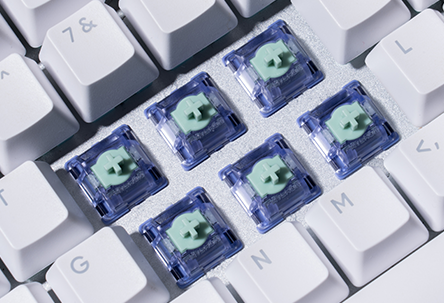
Several factors influence the field detected during operation, including the placement of the sensors with respect to the PCB and the orientation of the magnet. An incompatible configuration may result in restriction of travel detection, unstable triggering, and/or calibration issues.
Check the following before confirming compatibility:
- Magnet polarity and orientation with respect to the target PCB.
- Sensor's operating range and resolution with respect to detection throughout thefull stroke.
- Support in firmware for modification ofthetrigger mechanism and Rapid Trigger.
- Fit of plate, switch mounting geometry, and keycap clearance.
The Magnetic Genty Silent, for example, uses a downward-facing north-pole orientation according to GATERON's product information. Compatibility should be confirmed for the specific switch and keyboard combination rather than assumed from physical appearance.
How Should OEM Buyers Validate a Silent HE Switch?
A sample pressed by hand cannot demonstrate keyboard-level noise or sensing reliability. Qualification should use a representative assembled keyboard with the intended plate, keycaps, enclosure, PCB, and firmware.
Three tests merit separate discussion.
1. Actuation and Reset Consistency
Record the key position in a controlled press-release cycle. Repeat on low and medium trigger settings to find the threshold for jitter and unwanted re-triggers.
2. Acoustic and Mechanical Response
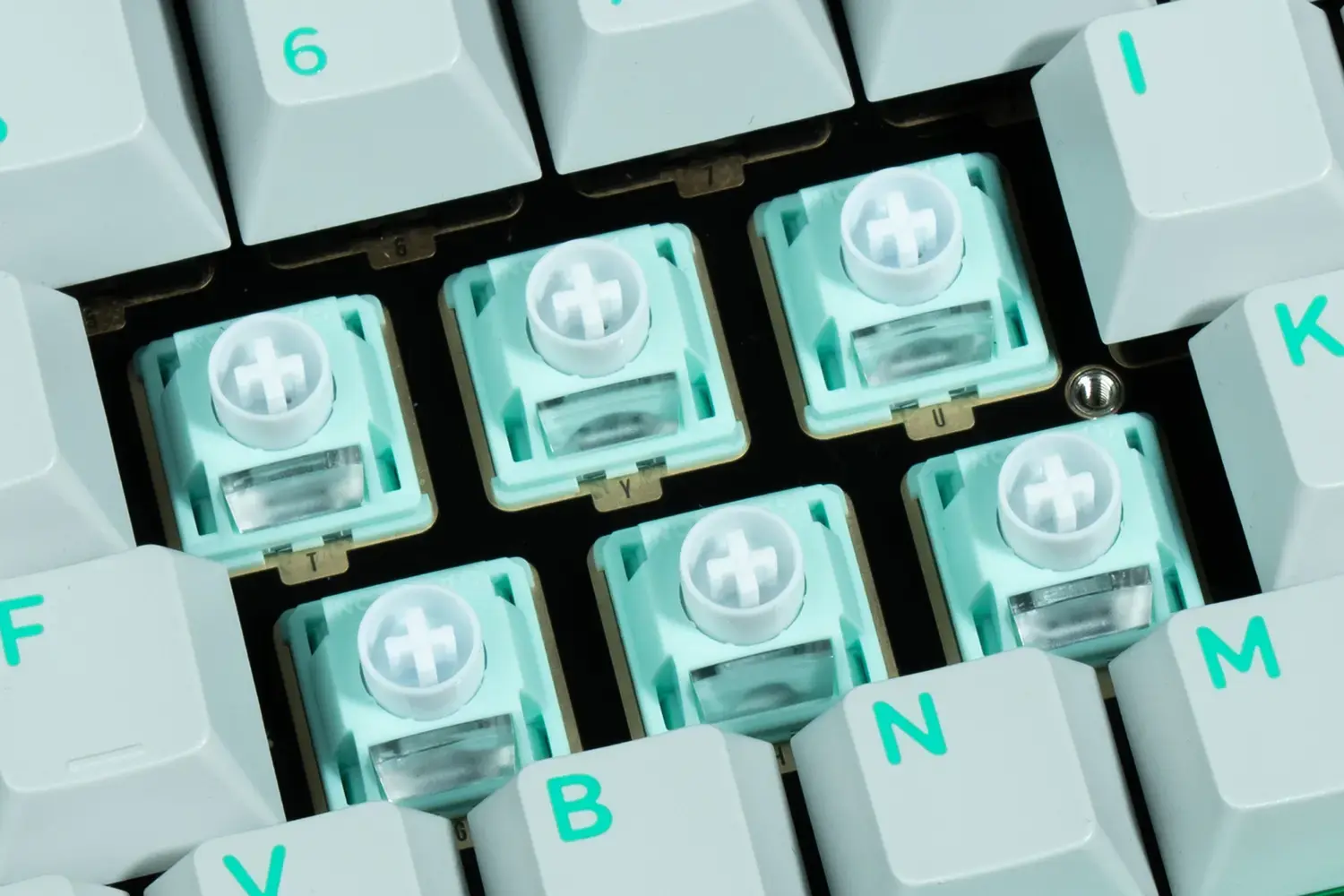
Use the same configurations and compare the same conditions. Use the same mounting conditions, keycaps, microphone placement, actuation method, then assess bottom out and release. Check for rattling, friction noise and stem return.
3. Environmental Behavior, Damping and Endurance
Assess key position calibration over the intended operating temperature range.
Repeat acoustic and return force measurements after endurance testing to assess damping and evaluate if the springs have worn out.
Based on the agreed-upon acceptance criteria of the procurement teams, it is justified to convert mechanical switches to magnetic switches.
For mechanical and magnetic silent switches, GATERON has sample switches and supporting documents for an engineering assessment.
FAQs
Q1. Which GATERON silent switches are suitable for gaming?
GATERON offers Magnetic Jade Silent and Magnetic Genty Silent for compatible Hall Effect gaming keyboards. KS-9 Silent 3.0 is an alternative for conventional mechanical keyboards.
Q2. Are GATERON magnetic switches better than mechanical switches for gaming?
Magnetic switches support adjustable actuation and Rapid Trigger when the keyboard firmware allows these features. Mechanical silent switches remain suitable when fixed actuation and standard PCB compatibility are preferred.
Q3. How does GATERON Magnetic Jade Silent reduce keyboard noise?
It uses dual damping rings around the stem to absorb bottom-out and rebound impacts. Its POM components and factory lubrication also help reduce sliding friction.
Q4. What is the difference between Magnetic Jade Silent and Magnetic Genty Silent?
Magnetic Jade Silent features dual-ring damping and 3.2±0.2 mm total travel. Magnetic Genty Silent uses dual-rail guidance and shoulder mute pads, with 3.7±0.2 mm total travel.
Q5. Can GATERON magnetic switches work in regular mechanical keyboards?
No. GATERON magnetic switches require a compatible Hall Effect PCB and sensing system. Standard mechanical switch sockets alone do not provide the required magnetic sensing.


