When evaluating GATERON Low Profile Switches 2.0 vs 3.0, the generation number is not the most useful selection criterion. From a switch-engineering perspective, buyers should compare four things first: operating force, pre-travel, total travel, and mechanical compatibility.
At GATERON, the KS-33 platform covers multiple linear, tactile, clicky, and silent configurations. The key question is therefore not simply "Is 3.0 newer?" but how each switch specification interacts with the keyboard PCB, typing style, and target application?
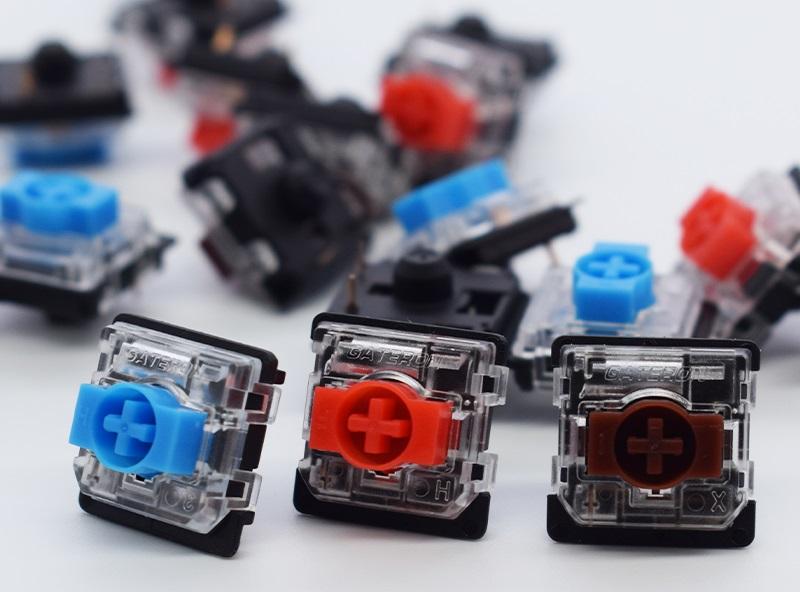
GATERON Low Profile Switches 2.0 vs 3.0: Specification Comparison
For the standard KS-33 Low Profile 2.0 family, GATERON offers 3-pin construction, factory lubrication, SMD LED support, POM stems, and common Red, Brown, Blue, and Silver options. The referenced 3.0 product uses a POM stem, transparent PC top housing, nylon bottom housing, SMD support, factory lubrication, and a 5-pin configuration.
|
Switch
|
Type
|
Operating Force
|
Pre-Travel
|
Total Travel
|
|
2.0 Red
|
Linear
|
50±15 gf
|
1.7±0.4 mm
|
3.2 mm max
|
|
2.0 Silver
|
Linear
|
50±15 gf
|
1.2±0.3 mm
|
3.2 mm max
|
|
2.0 Brown
|
Tactile
|
55±15 gf
|
1.7±0.4 mm
|
3.2 mm max
|
|
3.0 Red
|
Linear
|
50±15 gf
|
1.7±0.4 mm
|
3.4 mm max
|
|
3.0 Silver
|
Linear
|
43±15 gf
|
1.2±0.3 mm
|
3.5 mm max
|
|
3.0 Brown
|
Tactile
|
55±15 gf
|
1.7±0.4 mm
|
3.4 mm max
|
|
3.0 Silent Red
|
Linear
|
42±15 gf
|
1.7±0.4 mm
|
3.2 mm max
|
The table reveals an important point about GATERON Low Profile Switches 2.0 vs 3.0: 3.0 does not simply shorten every actuation distance. In Red and Brown, pre-travel remains around 1.7 mm while the specified maximum total travel increases.
Pre-Travel and Total Travel Should Not Be Treated as the Same Parameter
A low-profile switch has several distinct stages during a keystroke:
Initial movement → Actuation point → Post-actuation travel → Bottom-out
Pre-travel describes how far the stem moves before the electrical contact actuates. Total travel describes the complete mechanical stroke.
This distinction matters when comparing GATERON Low Profile Switches 2.0 vs 3.0.
For example:
- 2.0 and 3.0 Red: both specify approximately 1.7 mm pre-travel.
- 3.0 Red: extends specified maximum total travel from 3.2 mm to 3.4 mm.
- 3.0 Silver: combines 1.2 mm pre-travel with up to 3.5 mm total travel and a lighter 43±15 gf operating force.
This means a switch can preserve a similar actuation position while changing how much movement remains after actuation.
For buyers, the practical distinction is:
- Shorter pre-travel: less stem movement before registration.
- Longer total travel: more mechanical movement available across the full stroke.
- Lower operating force: less force required at the specified actuation point.
None of these independently defines the entire typing feel.
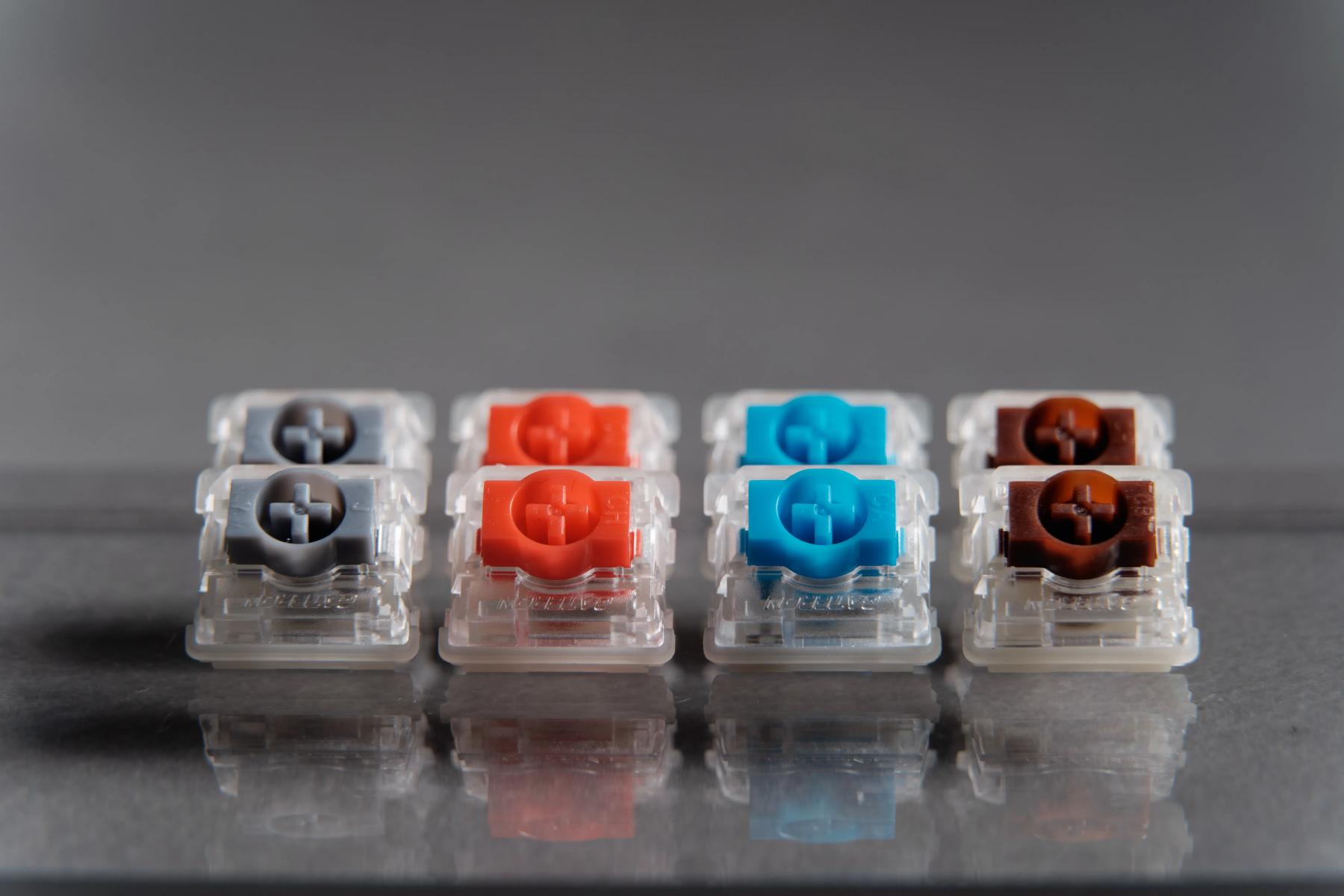
Why Operating Force Alone Cannot Predict Switch Feel
Operating force is one point on the switch's force-displacement behavior—not a complete description of the keystroke.
Consider Brown and Red. The referenced 3.0 versions specify approximately 55±15 gf and 50±15 gf respectively, but Brown is tactile while Red is linear.
A proper evaluation should therefore consider:
- Switch type: linear, tactile, clicky;
- Force change around a tactile event;
For OEM keyboard development, selecting by a single "gf" value can miss these mechanical differences.
3-Pin vs. 5-Pin: Compatibility Comes Before Switch Feel
One of the most important issues in GATERON Low Profile Switches 2.0 vs 3.0 is PCB compatibility.
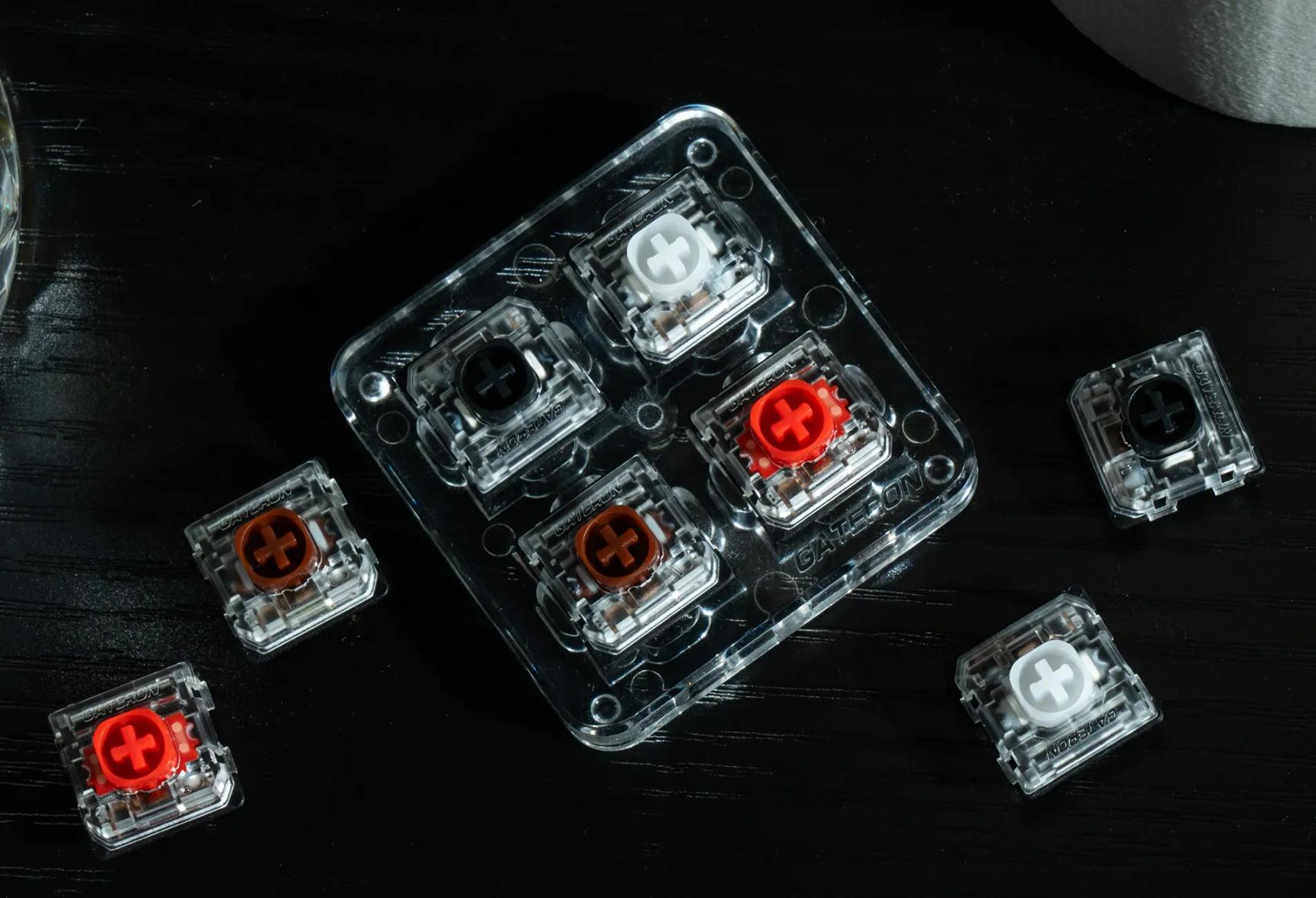
The referenced standard 2.0 switch is 3-pin, while GATERON's dedicated KS-33 3.0 offers 5-pin switches and states compatibility with selected NuPhy models including Nos75, Kick75, Air75 V3, and Node75.
However, GATERON's low-profile switch tester also offers certain 3.0 Red, Brown, Silver, and Nano variants as 3-pin switches, while the Grey Heron 3.0 is listed as 5-pin.
The engineering lesson is straightforward:
Do not infer PCB compatibility from "2.0" or "3.0" alone. Check the exact SKU.
Before changing switches, verify:
The KS-33 low-profile switches are intended for keyboards designed around the GATERON low-profile platform rather than universal replacement across all low-profile standards.
Gaming: Look at Actuation Geometry, Not Just Generation
For users prioritizing shorter input movement, Silver deserves closer examination.
The KS-33 3.0 Silver specifies:
- 3.5 mm maximum total travel
By comparison, standard 2.0 Silver retains the same 1.2 mm pre-travel but uses 50±15 gf operating force and 3.2 mm maximum total travel.
That creates a meaningful mechanical distinction, but it should not be translated into an unsupported claim such as "3.0 is faster." End-to-end keyboard response also involves controller scanning, firmware, debounce settings, and the complete input system.
Typing and Silent Builds Need Different Selection Logic
For typing, switch character can matter more than generation.
- Red: linear travel without a tactile event.
- Brown: tactile feedback for users who want a physical actuation cue.
- Silver: shorter pre-travel for early actuation.
- Silent: designed around acoustic control as well as force and travel.
GATERON's Silent 2.0 is a good example. It uses damping spring rings on both sides of the stem and a dual-rail support structure intended to reduce stem wobble, in addition to factory lubrication.
For a quiet office or shared workspace, damping architecture should be evaluated separately from the 2.0-versus-3.0 generation question.
How We Recommend Selecting a KS-33 Low-Profile Switch
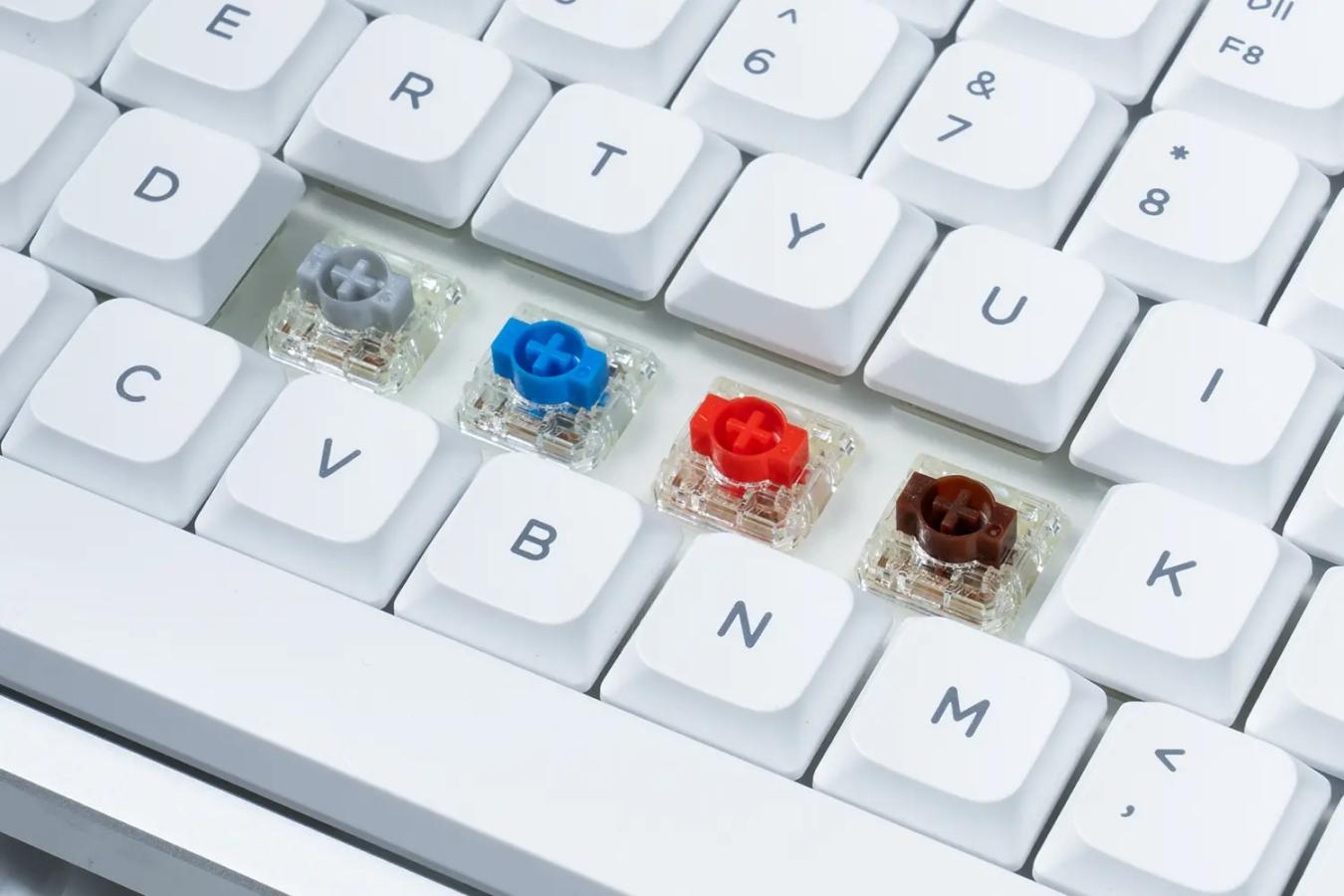
A decision order for GATERON Low Profile Switches 2.0 and 3.0 follows below:
1.Check if the PCB of the keyboard has a socket.
2.Check whether the SKU is 3-pin or 5-pin.
3.Decide on switch behavior: linear, tactile, clicky.
4.Decide on actuation: pre-travel.
5.Consider switch type and operating force in combination.
6.Think about total travel and switch type.
7.Check if the keycaps, plate, and SMD LEDs are compatible with the switches.
8.Try out samples if in doubt about the feel.
GATERON produces various 2.0 and 3.0 versions of clicky, tactile, silent, and other special types of low profile switches. Additionally, they sell a low profile switch tester with switch samples.
When selecting switches between GATERON Low Profile Switches 2.0 and 3.0, consider the mechanics of the switch, especially travel distance and operating force, and not the series number. To gain more information about low profile switches, check out GATERON's website.
FAQs
Q1. What is the main difference between GATERON Low Profile Switches 2.0 and 3.0?
The main differences are found in operating force, total travel, pin configuration and SKU-level compatibility rather than generation number alone.
Q2. Is GATERON Low Profile 3.0 always better than 2.0?
No. The better choice depends on PCB compatibility, preferred switch type, operating force, pre-travel and total travel.
Q3. Can GATERON Low Profile 3.0 replace 2.0 directly?
Not always. Check the exact switch SKU, PCB footprint, hot-swap socket, plate opening and pin layout before replacing switches.
Q4. Are all GATERON Low Profile 3.0 switches 5-pin?
No. Pin configurations can vary by SKU, so buyers should verify the individual GATERON product specification.
Q5. What is the difference between pre-travel and total travel?
Pre-travel is the distance before actuation. Total travel is the complete stem movement from the initial position to bottom-out.



