Sometimes the lowest priced switch isn't the lowest priced keyboard construction.
Purchase a cheap set that is scratchy, does not compatible with the PCB or requires hours of modification, and the savings are soon gone. Purchasing more switch than the keyboard requires, the extra specification may never be noticed.
It's a better mindset to discuss Budget Normal Profile Mechanical Switches.
The answer should be simple: For first builds, school setups, secondary keyboards and cost-sensitive keyboard projects, only include features that you need, and eliminate features that don't mean a problem.
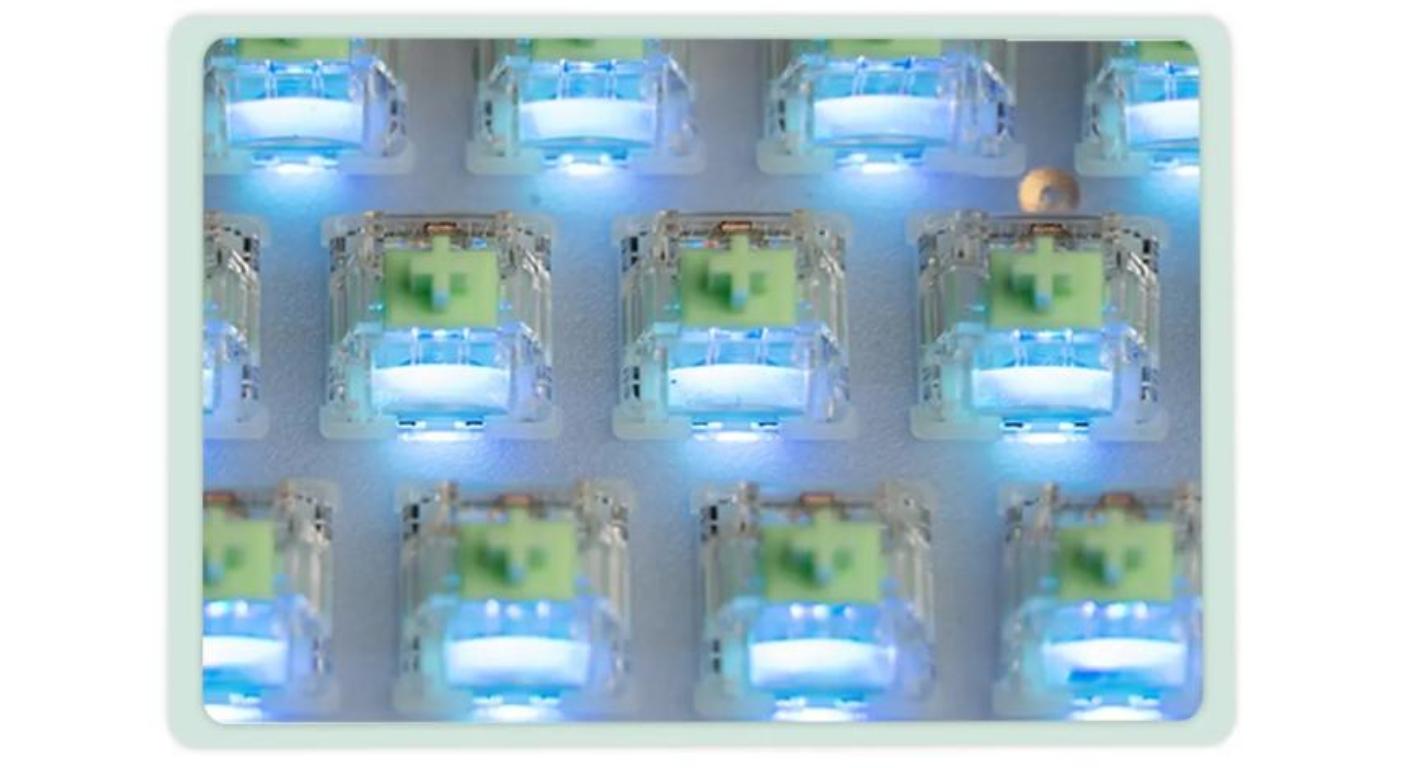
Within Gateron's lineup of Normal Profile Switches, the amount of space given to the variety of conventional mechanical switch constructions, from basic to more enthusiast, makes that choice apparent.
Use the keyboard that is in your possession!
Do not compare switches with the keyboard face up (or preferably, check the PCB first).
When switches must be returned due to a mis-match on the mounting format, a budget goes right out the window.
Confirm:
- Support in 3-pin/5-pin PCB;
- Soldered or Hot Swappable construction;
- SMD or Plug-in LED layout;
- normal-profile MX-style compatibility;
- approximate number of switches that can be used.
Lastly, but not least, this one is common sense yet it does count. A 60% board costs less than TKL and full-size keyboard because it does not use as many switches, therefore it is misleading to compare the prices of one package without doing the calculations to find the whole keyboard's cost.
Purchase sufficient quantity of switches for the board and additional switches. Don't necessarily purchase the biggest pack based on its front-priced value.
Determine what you will NOT tolerate.
A good budget is prioritized.
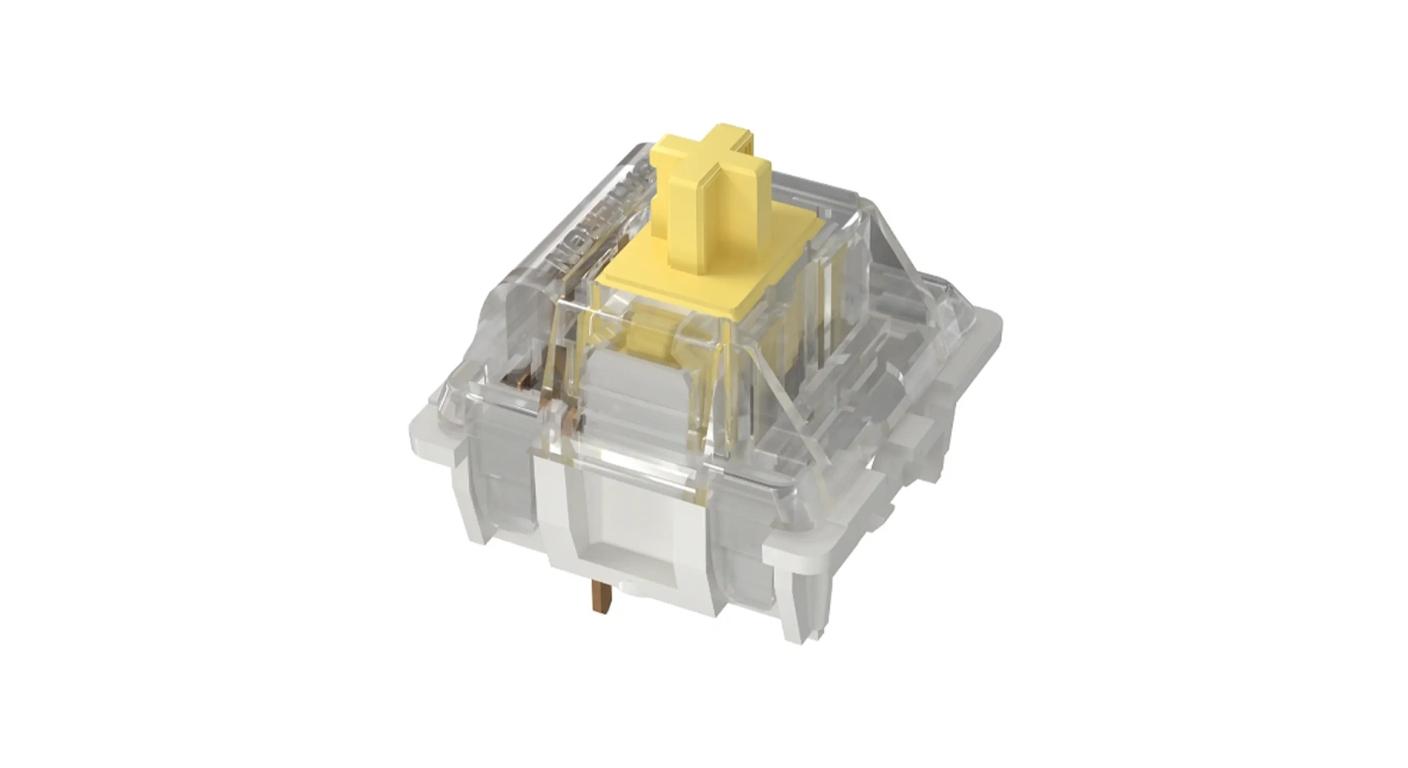
To one user it might be seamless, linear motion. For one thing, it's tactile feedback. A user in the process of creating his/her own RGB desktop computer keyboard might be more worried about having a clear top casing than the sound of the casing.
Record two features that you will observe on a daily basis.
All else is up for negotiation.
A relatively simple normal-profile build is Gateron's KS-9 Switch Set: POM stem, transparent PC top housing, nylon bottom housing and 3-pin and SMD support. Not pre-lubed in the factory.
However, that last requirement doesn't necessarily make it a liability.
If the switch feels and fits the way the user wants,paying more money just to get more features is not good budgeting.
|
Feature
|
Budget Priority
|
Why
|
|
PCB Compatibility
|
Essential
|
A wrong mounting format cannot be fixed by better feel
|
|
Switch Type
|
Essential
|
Linear, tactile and clicky fundamentally change the typing experience
|
|
Comfortable Spring Force
|
Essential
|
Felt on every keypress
|
|
Factory Pre-Lube
|
Useful
|
Saves setup time if you do not mod switches
|
|
Premium Housing Material
|
Optional
|
Worth paying for when feel and sound are priorities
|
|
Decorative Color
|
Low Priority
|
Usually disappears under the keycaps
|
It's Not Simply About Fancy Housing: Factory Pre-Lubing Can Be Worth More
When talking about budgets, you tend to only hear about the sticker price.
That ignores time.
It is perfectly feasible to manually open, lube and reassemble all the switches of a full-sized keyboard as an enthusiast who likes to do so. If you are just looking for a working keyboard on Friday evening, it may be a bad idea in terms of your budget.
If that product is pre-lubed at the factory, then that setup job is reduced.
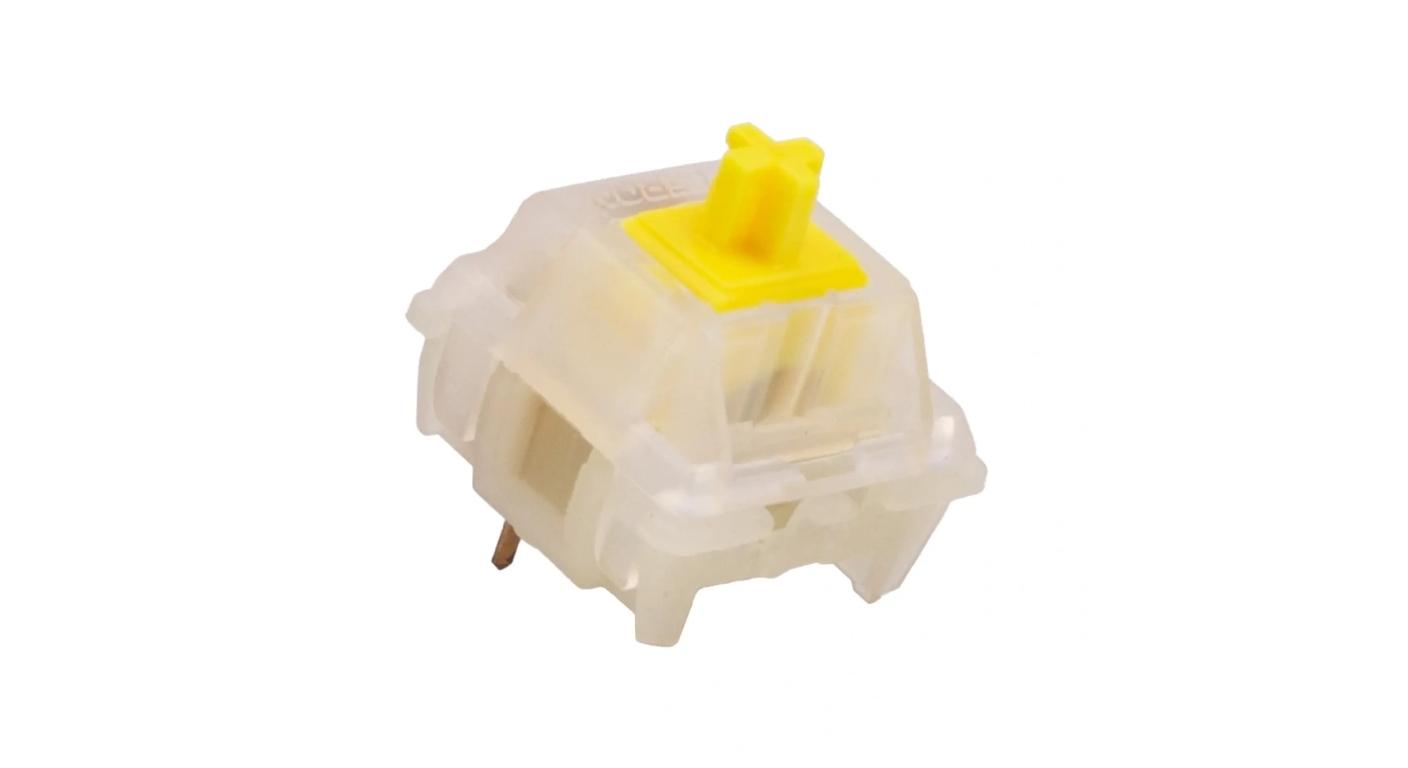
The KS-3X1 Milky Yellow Red Pro Switch Set features a POM stem, milky nylon upper and lower housing, 5-pin mounting and factory-pre lubrication. Gateron also mentions enhanced anti-oxidant gold-alloy contacts.
That should make pre-lube more like a commodity than a trophy.
Don't bother changing switches if you like doing it.
One of the more practical upgrades that you can purchase is factory preparation if you don't want to open 70 or 100 switches.
A single family can have multiple budgets with one Switch.
Another method of holding a keyboard project in check is to not go crazy buying twenty unrelated groups of switches.
Select a tried and tested family, and then choose the feel.
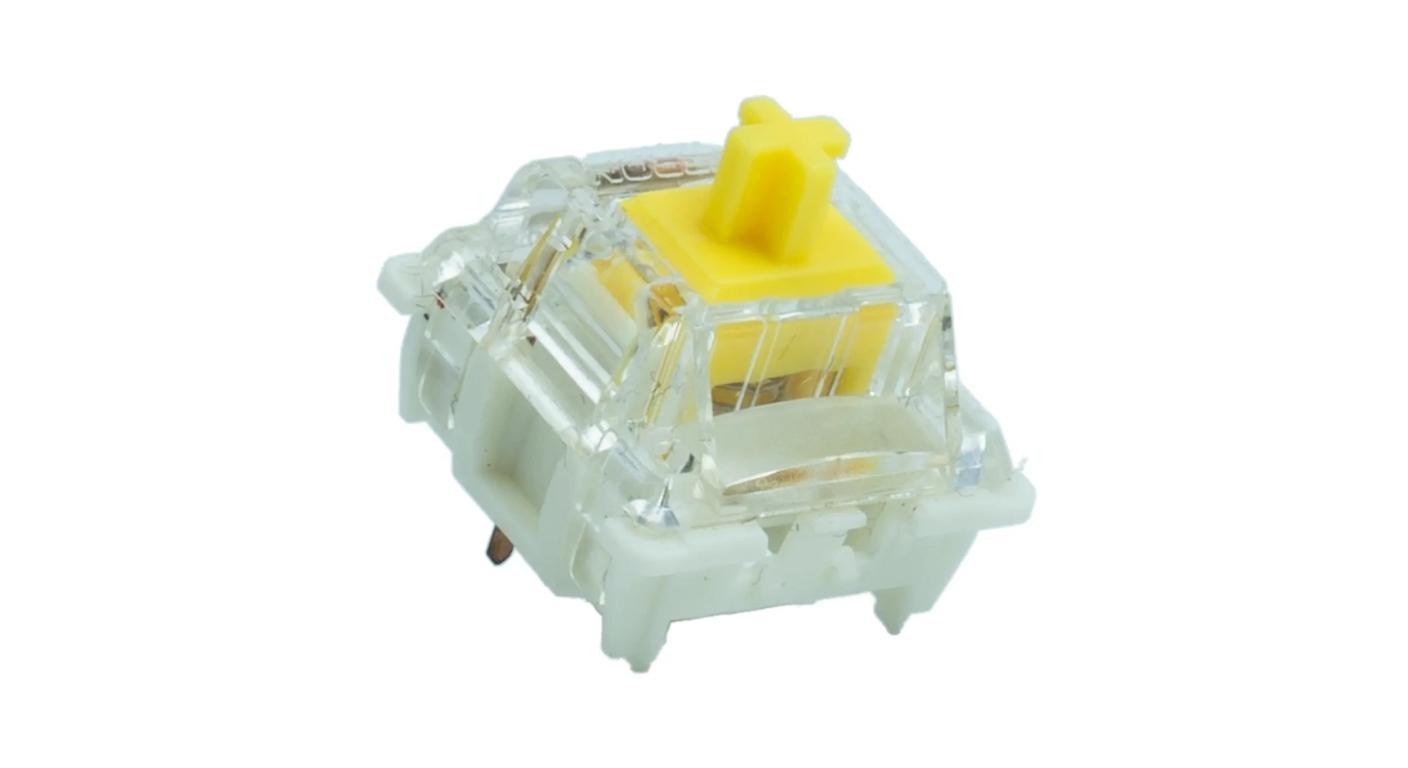
The G Pro 3.0 Switch Set features linear, tactile and clicky variants in a single series with White, Silver, Red, Yellow, Black, Brown and Blue variants. 3-pin and 5-pin options are available and most of the variants are pre-lubed in the factory.
What matters most to hot-swap builders, though, Gateron made a specific change to the pin structure to minimize bending when it is plugged in and out repeatedly.
It's the kind of thing that one could want for a low-cost construction.
A decorative house material which is not all that noticeable after installation may not be necessary.
If you want to continue to experiment with the board, a pin that stands up to switching over is more difficult to write off.
Never Pay For Sound Before Hearing the Keyboard.
Things get weird when it comes to mechanical keyboard sound.
A switch is described online as "creamy, deep, bright or clacky," and thus a user purchases a set to find that they are the same.
It is then sent to another case, another plate and another set of keycaps, and sounds different.
While switch construction is important, it is not the only consideration in the acoustic system.
Before spending more just to get a certain sound description, find out what else is already in the keyboard:
- A case made of plastic or aluminum;
- Steel, PC or other plate;
- thick or thin keycaps;
- Support on a tray, gasket or other mounting technique;
- case foam or no foam.
With limited funds it can sometimes be best to create the keyboard first and see what the real issue is rather than purchasing top end components to address a perceived sound issue that doesn't yet exist.
Match Feel Before Buying Quantity to Save Money
The Most Expensive Mistake Is Buying Too Many Switches You Don't Like
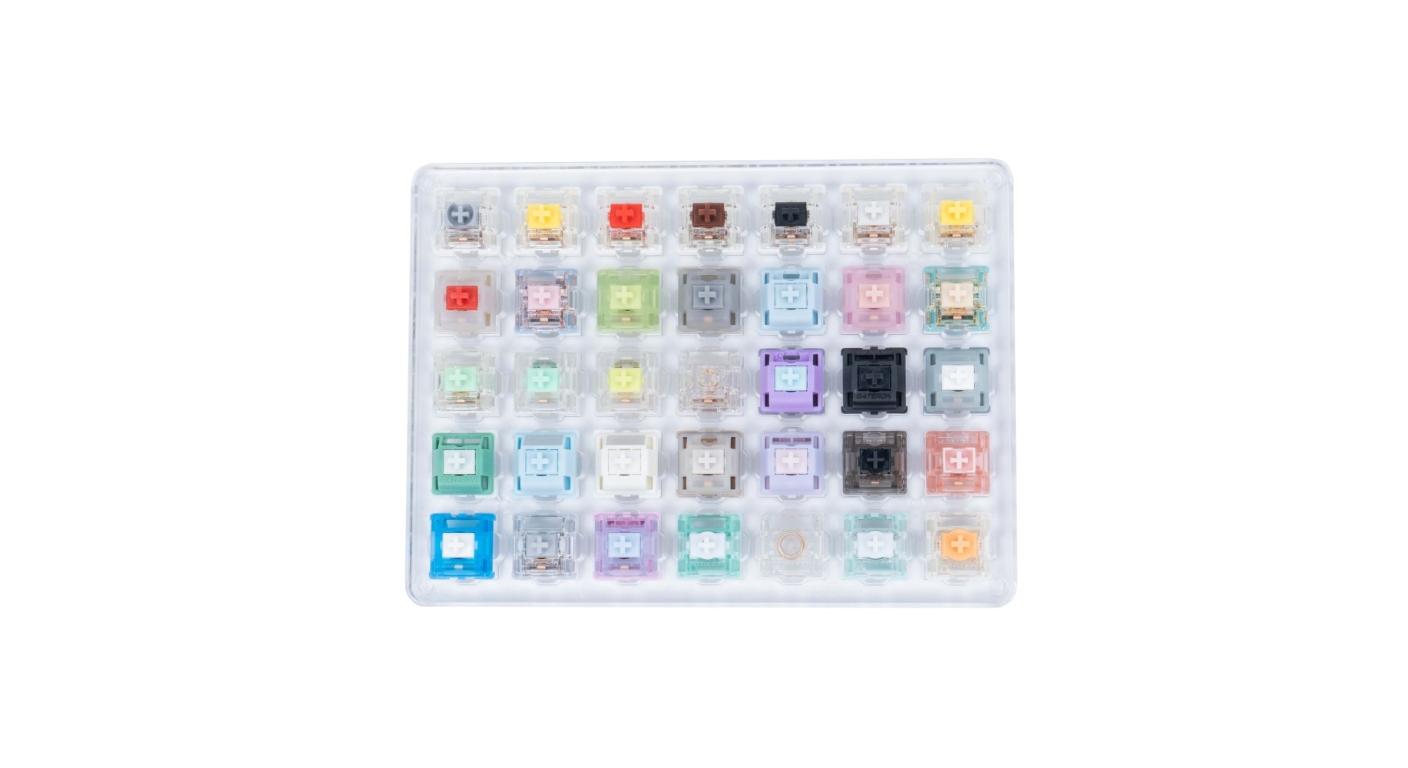
It is purchasing 90 switches and after 20 minutes realises that the spring is too heavy.
Operating force is more important than appearance as it is felt while every key is depressed.
For typers with light touch, light linear switches might be a good fit. Medium linear options have greater resistance. Tactile switches provide tactile feedback and clicky switches intentionally provide an audible event.
No “budget feel.”
You have just a feel you either wish to maintain or change.
A Gateron Switch Tester With Sample Set can be more cost-effective than speculating in this situation. At the time of writing, Gateron's current tester features multiple linear, tactile, and clicky normal-profile samples for comparison, and only the ones that have the best force, travel, and sound are ordered.
|
Route
|
Representative Option
|
Mounting
|
Pre-Lubed
|
Best Reason to Choose
|
|
Simple 3-Pin Build
|
KS-9
|
3-Pin
|
No
|
Straightforward RGB-compatible normal-profile build
|
|
Pre-Lubed 5-Pin Build
|
KS-3X1 Milky Pro
|
5-Pin
|
Yes
|
Less preparation before installation
|
|
Flexible Hot-Swap Build
|
G Pro 3.0
|
3-Pin / 5-Pin
|
Most Variants
|
Multiple feel choices and upgraded pin design
|
Don't Get It Complicated!
A first mechanical keyboard doesn't have to cater to all future tastes.
Start with:
- a compatible switch;
- a spring weight that you can use without a problem;
- the feel type you would really like;
- and a sufficient number of switches for a finished keyboard.
Use it.
In a few weeks you will know a lot more about how you like the sound, how long the travel is, how much spring or how smooth the factory lubrication is than anything any spec sheet could tell you ahead of time!
That's also the reason why Budget Normal Profile Mechanical Switches make sense other than the price of buying it. These allow the keyboard to show you what you need to learn first before you invest in refinements.
Final Budget Check
Before ordering, ask:
- Will it fit on the PCB?
- Does the force/switch type appeal to me?
- Would factory pre-lube save valuable time?
- Will the upgrade I'm paying for be noticeable?
- With this number of switches for the full keyboard, have I got it correct?
- If those answers are clear, then there's not much of a need for an entry-level or secondary build to try to get every premium feature.
The product with the least number of specifications is not necessarily a good budget switch.
It's the one without specifying something you didn't need to begin with.
FAQ
Q1. Are Mechanical Switches good for gaming?
Yes, provided their strength, movement and responsiveness are acceptable to the user. Unfortunately, more expensive houses don't necessarily mean more expensive game input.
Q2. If I need to buy a pair of switches in a hurry and on budget, should I buy pre-lubed switches?
This may be logical if you don't intend to oil your own switches. If you have a full keyboard, pre-lube may save a lot of preparation time.
Q3. Is 3-pin inferior or is it more cost?
Neither pin count is indicative of the quality of the switch. The differences in pin configuration primarily impact mounting support and PCB compatibility.
Q4. What is the number of switches I need?
Count all the true switch positions of the keyboard and purchase some extras. Never compare the price of packs without working out how many packs are required to cover the entire board.
Q5. Is it advisable for a beginner to purchase a switch tester first?
When you're not sure about linear, tactile, clicky or spring force, it's useful. It might be cheaper to try a couple of alternatives than to replace a set of switches later.



