It seems easy enough to opt for a linear switch, but when multiple Gateron switches are grouped together beside each other, it's not the case anymore.
While they all eliminate the tactile bump and click found with tactile or clicky switches, this doesn't imply the same typing expertise. All of these factors may alter the "feel" of a switch under the finger (Spring force, pre-travel, total travel, stem material, housing material and lubrication and stem geometry).
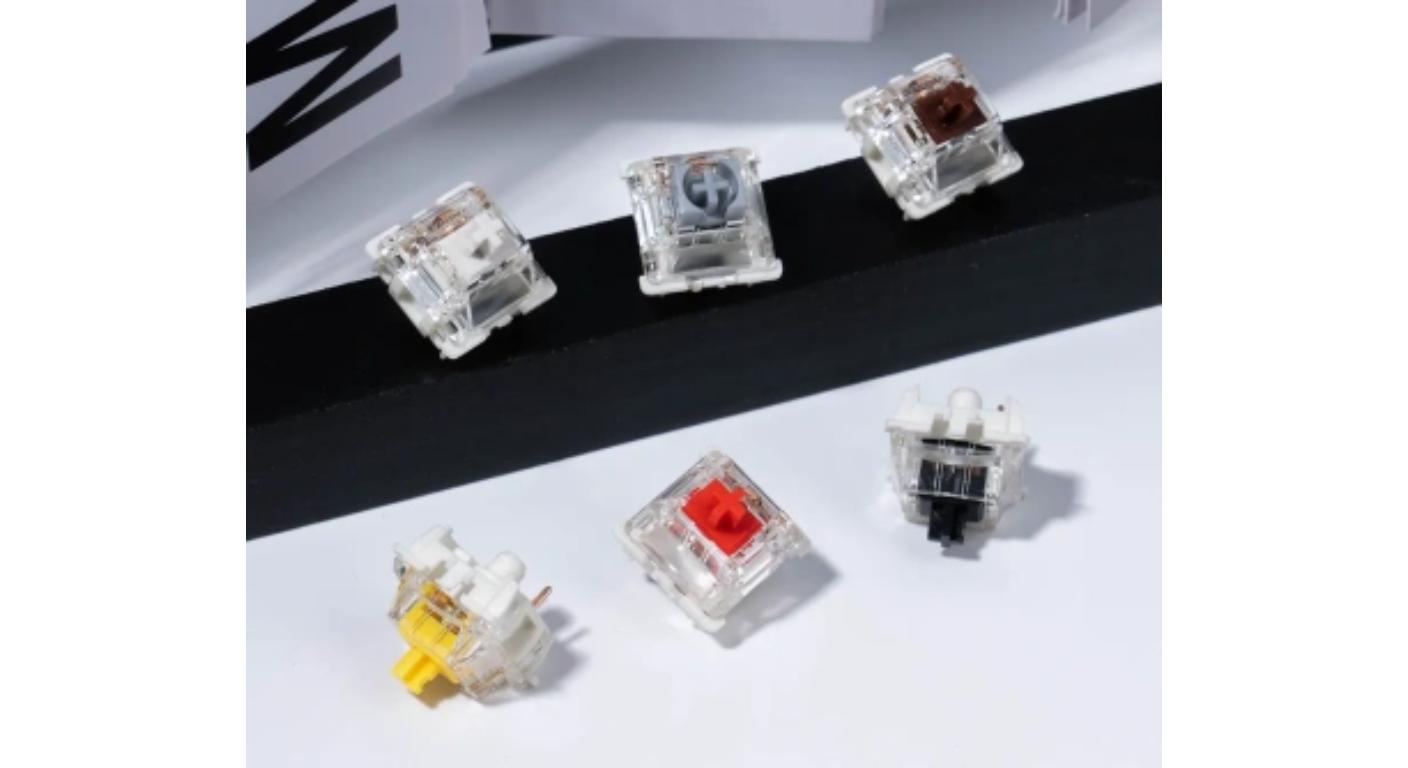
This is why depending on color or popularity to choose Gateron Linear Switches is not sufficient enough.
First, it's better to determine what you want the keyboard to do. Looking for more subtle press repeats for games? Increase resistance to control typing? Woofer sound? Or one that seamlessly slides out of the box?
Gateron's Normal Profile Switches is more of a collection of various linear profiles than a singular “Gateron linear feel.”
Go from Strength to Motion, NOT from Switch of Color
One of the easiest specifications to see is operating force; however, it needs to be taken into consideration with travel.
Generally, a lighter spring will need less push from your fingers as it is pressed over and over again. This may appeal to gamers or to those that want to type without the stress. A heavier spring offers greater resistance and might help to minimize unwanted key pressing by those with a heavier "style".
Pre-travel indicates the distance in which the stem travels before the input is recorded. A shorter travel distance can provide a more immediate feel of a switch, and a more traditional switch position can be familiar to users switching from traditional mechanical keyboards.
Total travel is for the whole key press. Thus, two switches may be rated at the same operating force, but feel quite different due to a shorter overall movement.
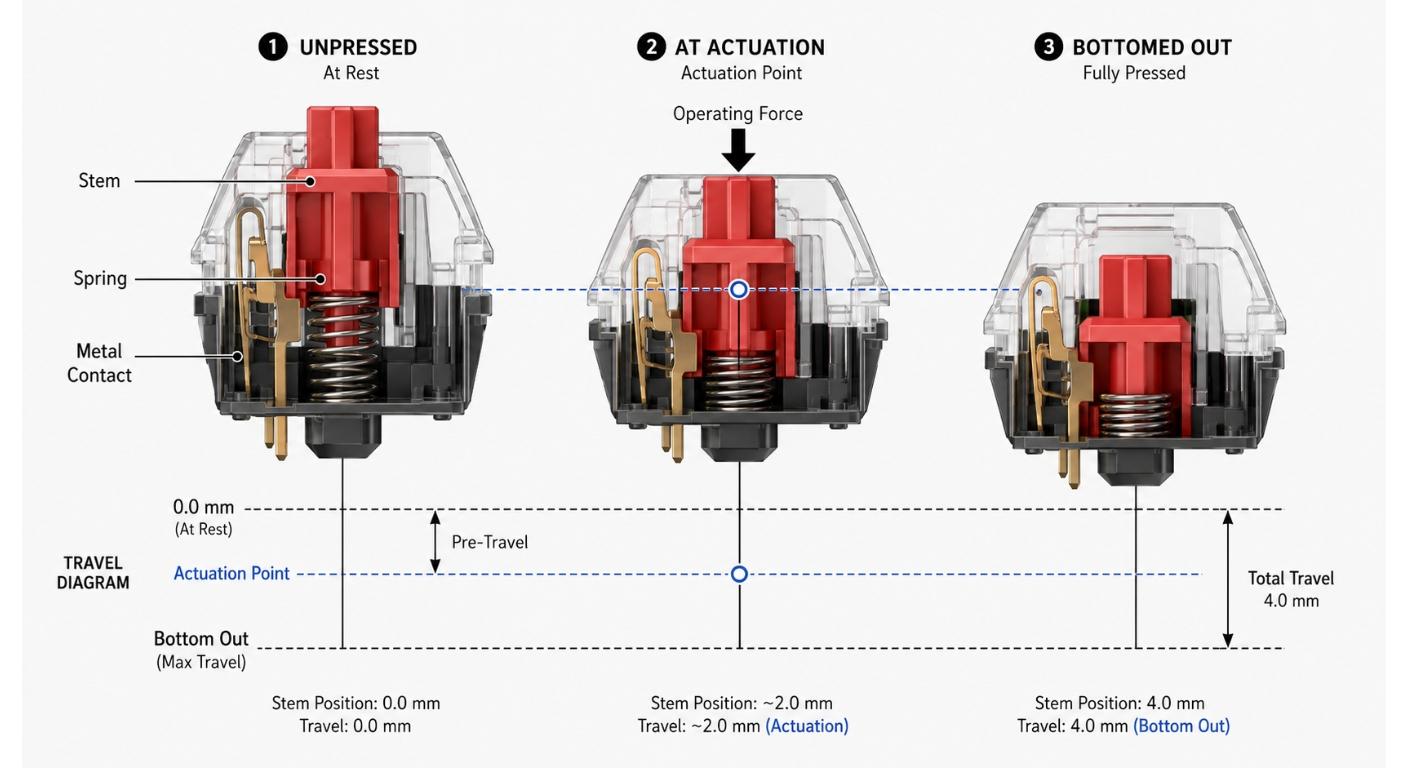
The GATERON KS-3X1 Milky Yellow Red Pro Switch Set, for instance, is a switch set that incorporates a traditional linear keypress, 4.0mm total travel, factory lubed, and a 5-pin setup; it's a great starting point for those seeking a more classic linear keypress.
|
Switch
|
Operating Force
|
Pre-Travel
|
Total Travel
|
Main Material Structure
|
Pre-Lubed
|
Pins
|
|
GATERON Smoothie Linear
|
40±10gf
|
2.0±0.6mm
|
3.6±0.2mm
|
Full POM
|
Yes
|
5-Pin
|
|
GATERON EF Fast Silver
|
45±15gf
|
1.2±0.3mm
|
3.4mm Max
|
POM Stem / PC Top / Nylon Bottom
|
Yes
|
5-Pin
|
|
GATERON Milky Yellow Pro
|
50±15gf
|
2.0±0.6mm
|
4.0mm
|
POM Stem / Milky Nylon Housing
|
Yes
|
5-Pin
|
|
GATERON Oil King Linear
|
55±5gf
|
2.0mm
|
4.0mm
|
POM Stem / Nylon Top / Ink Bottom
|
Yes
|
5-Pin
|
More than a change in appearance, Housing and Stem Materials change.
Friction, sound and bottom out character are affected by the material combination in a switch.
The use of POM for stems is due to its low friction properties. Nylon housings have a different acoustic signature than the transparent PC housings, and all-POM construction offers yet another acoustic signature.
Therefore it is more relevant to focus on the material stack rather than just consider a switch “smooth.”
The GATERON Oil King Linear Switch features a nylon upper housing, a POM stem and a bottom housing made of Ink. It comes pre-lubed, with a relatively large linear press.
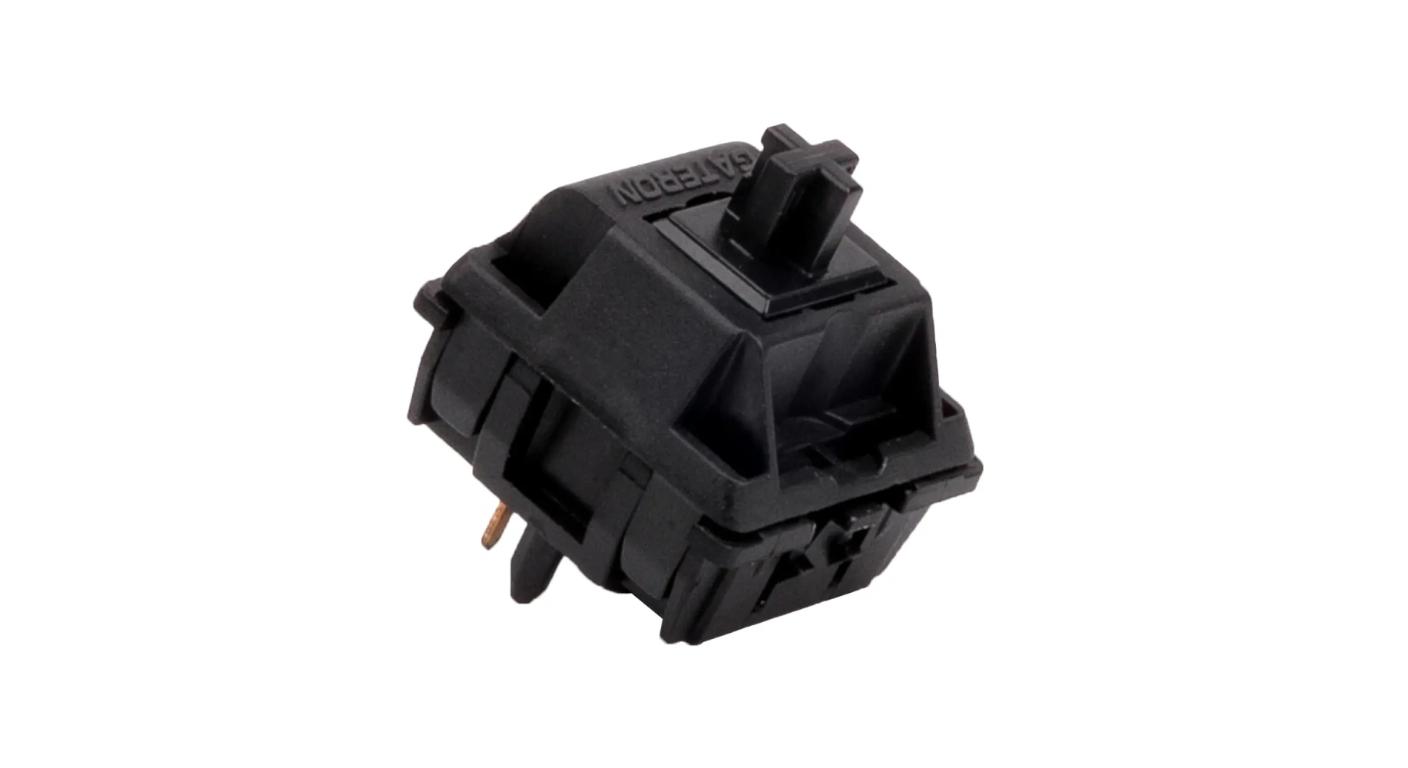
The GATERON Smoothie Linear Switch on the other hand features full POM construction, a 22mm dual-stage spring and shorter total travel. This difference is more than just cosmetic.
This is significant for buyers who are concerned about “keyboard acoustics”, as the entire system including switch construction, plate, PCB, case, keycaps and typing force contribute to the final sound.
When consistency is critical, factory lubrication is most important.
It is not a question of whether or not a switch is lubricated, the question is whether it is lubricated enough to reduce friction between moving switch surfaces.
It's the consistency with which it's lubricated to give a full-keyboard a reasonably uniform feel.
Especially useful for users to install switches directly without having to open and manually lubricate dozens of switches, pre-lubed factory switches are just that. They can also help to create a new build for a keyboard much faster.
But the fans seeking a very certain acoustic or resistance gradient may still opt for manual modification.
For the majority of buyers, these lubrications therefore need to be thought of as a convenience and consistency feature and not a feature that will be preferred by all users.
Adapt Gateron Linear Switches using the keyboard the way you use it.
There is no one true best Gateron linear switch automatically.
In competitive or fast paced games, pre-travel and operating force in moderate to light category is normally more important than a heavy and long key press. Decreasing the amount of finger movement an operator has to make before actuation can be achieved by using a fast linear switch.
If you have to type for long periods of time, it's more personal. Very light switches can be easy to use, but can cause more accidental presses by heavier typists. Moderate resistance can be used for a greater degree of control without a tactile bump.
The housing materials, long-pole stems, lubrication and bottom-out character can be as important as the actuation speed for custom keyboard enthusiasts.
In the office and shared spaces, keep in mind that “linear” does not necessarily equal “silent.” Even with the standard linear switches, there is top out/bottom out noise. For acoustic control, a silent linear design should be used instead. Gateron now has a silent product family and a regular linear product family.
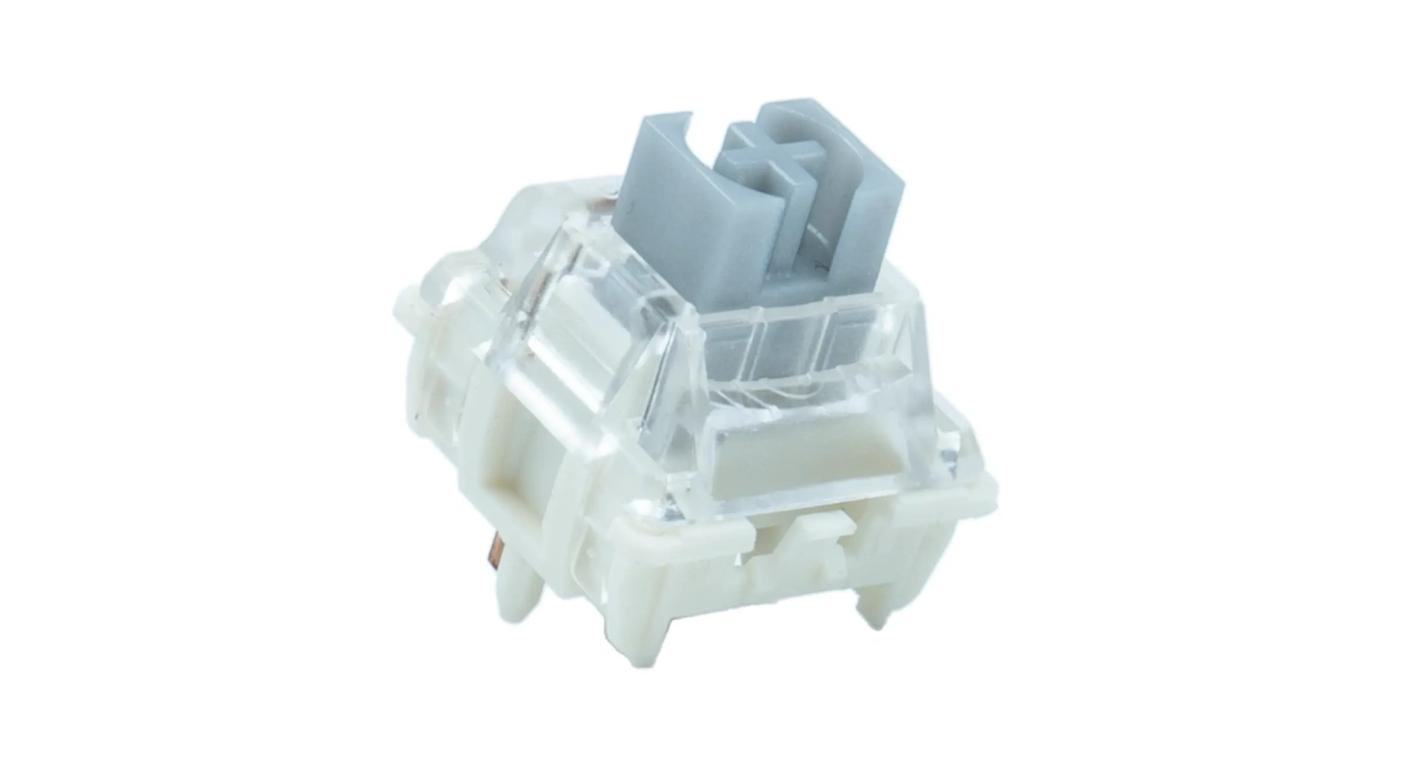
The more pertinent question is thus not:
So, “Which Gateron Linear Switch is Best?”
It is:
This is what I want to know: What's the best combination of force, travel and construction that corresponds to how I'm pressing the keyboard?
Compatibility can kill a good switch BEFORE feel does.
A switch may feel great and it can not be suitable to the keyboard.
Please check the mounting structure, PCB compatibility, keyboard profile and LED configuration, before ordering a complete set.
Three-pin and five-pin design generally impact the mounting support and the PCB compatibility and will not determine whether the switch is linear, tactile or clicky. Gateron owns both of these types of switches and both are included in Gateron's own switch line, so always be sure to check the PCB before you buy.
Normal-profile switches must also not be mixed up with low-profile switches. Since both products are mechanical switches, a shift from one architecture to the other does not happen automatically for a keyboard.
It is also important for RGB users to check if the housing of the switch and the arrangement of LEDs are compatible with their PCB lighting schemes.
|
Check Before Buying
|
Why It Matters
|
What to Confirm
|
|
Switch Profile
|
Normal-profile and low-profile switches use different structures
|
Confirm the keyboard supports normal-profile MX-style switches
|
|
Pin Configuration
|
PCB mounting holes vary between keyboard designs
|
Check whether the PCB accepts 3-pin or 5-pin switches
|
|
Hot-Swap Support
|
Not every PCB allows switches to be replaced without soldering
|
Confirm that the PCB has compatible hot-swap sockets
|
|
LED Arrangement
|
Switch housing design and LED position can affect RGB compatibility and light transmission
|
Check the keyboard's LED orientation and compatibility with the switch housing
|
|
Keycap Stem
|
Existing keycaps must fit the switch stem
|
Confirm MX-style cross-stem compatibility
|
Try Switches Before Buying a Full Set
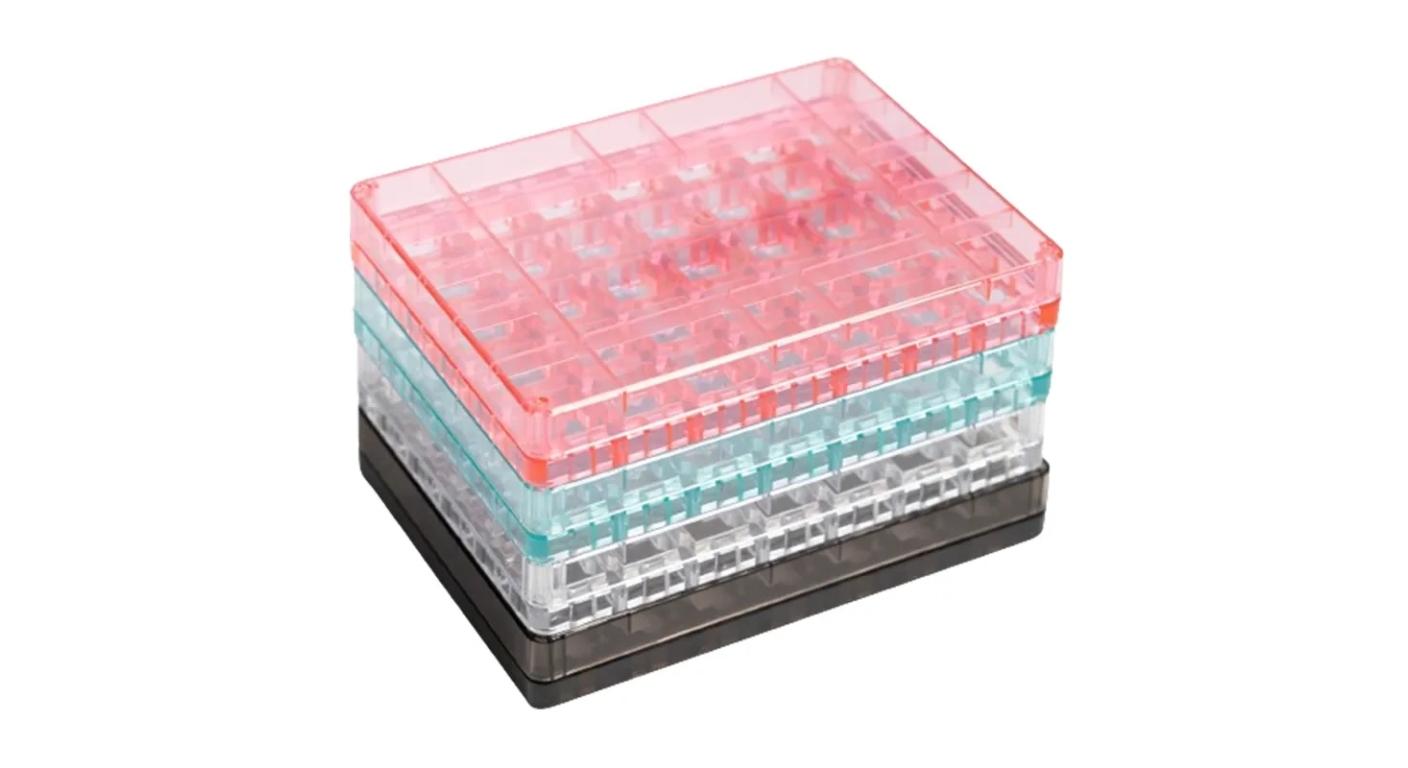
Specifications are useful for narrowing down your options, but numbers cannot capture every difference your fingers can feel.
If you see two or three switches that seem to be a match when it comes to paper, then it's better to test them side by side, instead of another ranking.
A switch tester can aid in making comparisons:
- spring resistance;
- Initial keypress feel;
- bottom-out feel;
- return speed;
- stem stability;
- basic sound character.
Create a Shortlist, don't search for a single winner
The best method of selecting Gateron Linear Switches is by narrowing down the field step-by-step.
First factor is to determine your desired level of resistance: light, medium or heavier. Next, decide which travel is more appropriate for your use, conventional or shorter. Then, go through material construction, lubrication, sound preference and compatibility.
Do not select specific switch types until after you have selected the specific switch model.
That's a more sure method than purchasing the most talked about switch online.
The best gateron linear switch is the one that makes sense for you in your keyboard, and with your use, not one with a universal ranking.
FAQ
Q1. But is Gateron Linear Switches suitable for gaming?
Yes. Most linear models are good for a repeated gaming input, as there is no tactile bump. However, operating force and pre-travel should still be compared as there is a huge variation in responses among different linear switches.
Q2. Do Gateron Linear Switches make for a good typing experience?
Yes. A linear switch is favored by many users for long typing sessions as the switch is clear of obstructions. Typists who accidentally hit the very light switch may find it easier to control medium force switches.
Q3. Do all the Gateron Linear Switches make noise?
No. Linear refers to the ‘feel' of the key presses, not the noise level. Even with standard linear switches, there is still bottom-out and return noise, however, dedicated silent linear switches add in the necessary damping structures.
Q4. Which is better, 3 pin or 5 pin Gateron switch?
Select based on the compatibility of PCB and plate. There are five-pin switches to help with mounting, and some keyboards have a three-pin mounting system.
Q5. Is it worth it to purchase "pre-lubed" Gateron Linear Switches?
Pre-lubed switches are great for those that prefer easier switch operation without having to open all of the individual switches. Manual lubrication is still handy for the enthusiast that desires very specific feel and/or sound tuning.



